Recent product updates across Automation, Matter, and the Neudash platform.
matter
Your letters and agreements, ready to reuse and sign
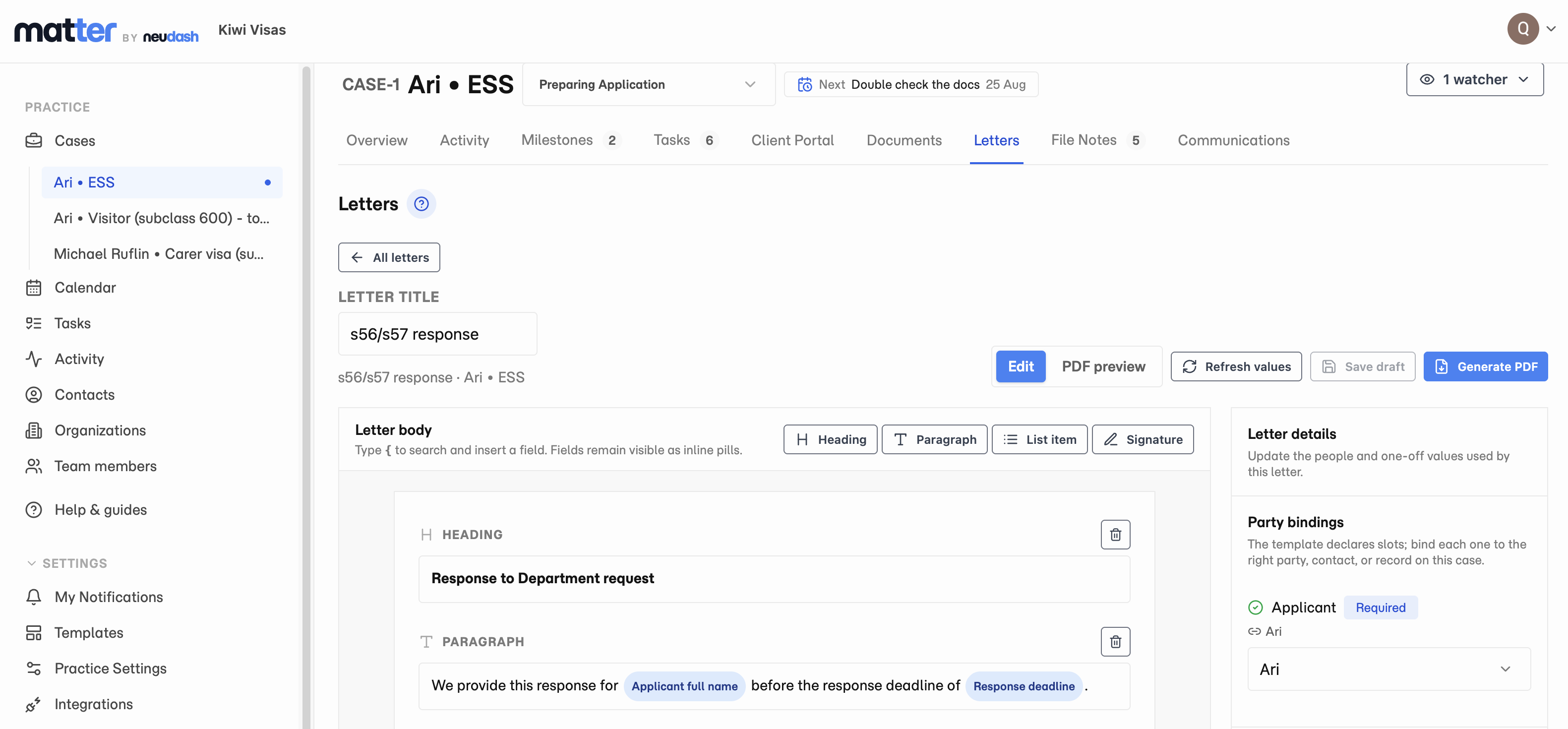
Letters is fully released with built-in templates, import for your existing letters and service agreements, and e-signing. Matter recreates your branding and design and fills client details from the case.
Letters is fully released in Matter. Start with a built-in letter template, customise it for your practice, or import the letters and service agreements your team already uses.
Matter converts your existing documents into reusable templates and recreates their branding and design. Keep the layout and look your clients recognise, then reuse the template across cases.
Choose a template on the case and connect it to the people involved. Client and case details fill from the live record, and a readiness panel flags anything missing. Preview the PDF and tailor the wording before generating the finished document.
The finished PDF is saved with the case documents, ready to send by email. Service agreements can go straight into Matter’s electronic signature workflow, so your team can prepare, reuse, and send them for signing from the case.
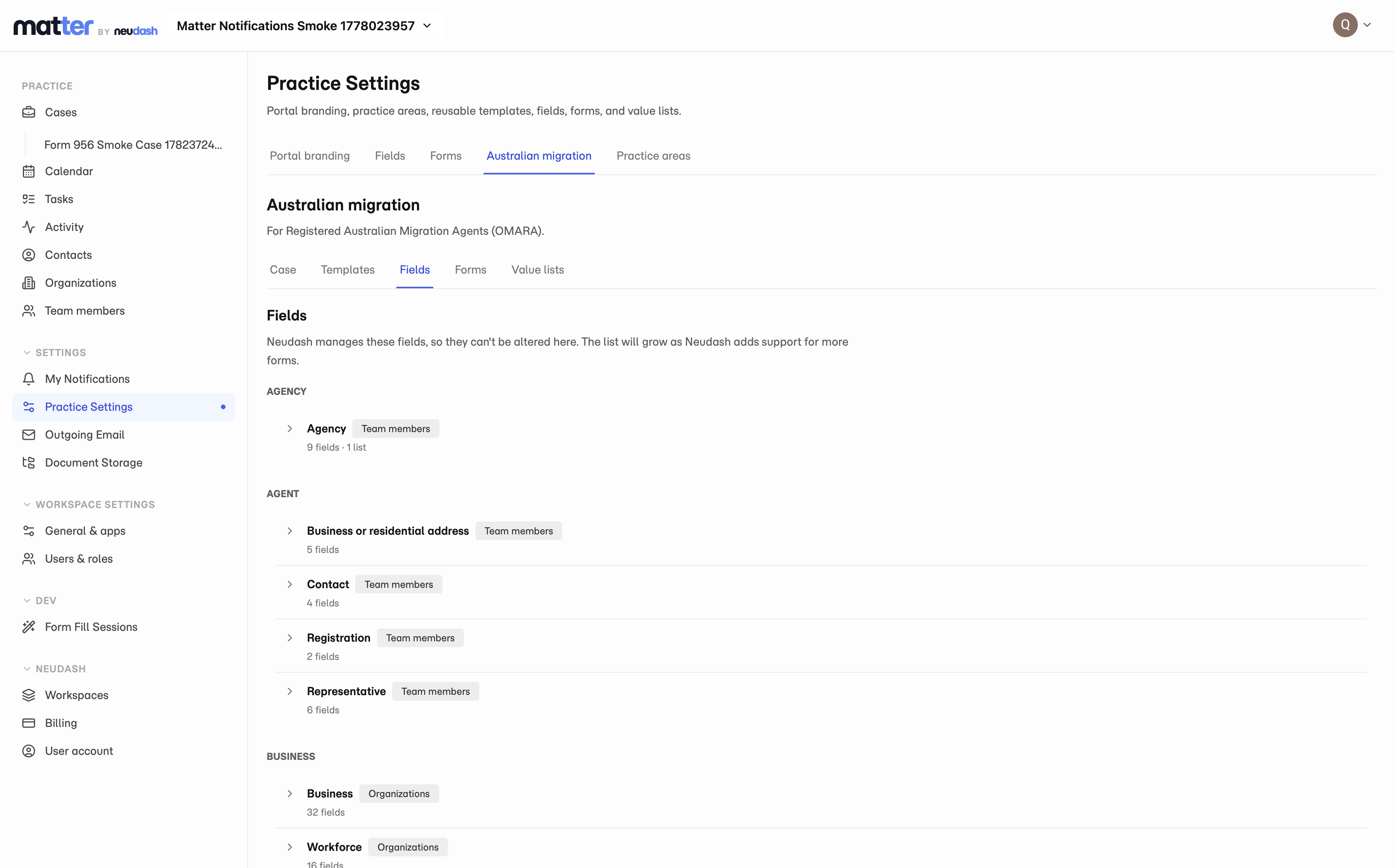
Define your own fields on contacts, organisations, team members, and cases, group them into sections, and arrange which tab they appear on. The values you capture then fill your letters instead of being retyped.
Every practice tracks details that no product ships with out of the box. A MARN. A visa expiry. Which entity actually employs the applicant.
Practice Settings now has a Fields area where you build those yourself. Nine field types are available, covering short and long text, numbers, email, phone, dates, a yes/no checkbox, dropdowns, and radio buttons. You choose which section a field belongs to and which tab that section sits on, so it turns up where your team expects to find it.
Fields can live on contacts, organisations, team members, and cases. A field you no longer use gets archived rather than deleted, so the values you already captured stay intact.
What you capture is not stranded there either. The same details fill in your letter templates, so a client’s name and reference number reach the correspondence without anyone retyping them.
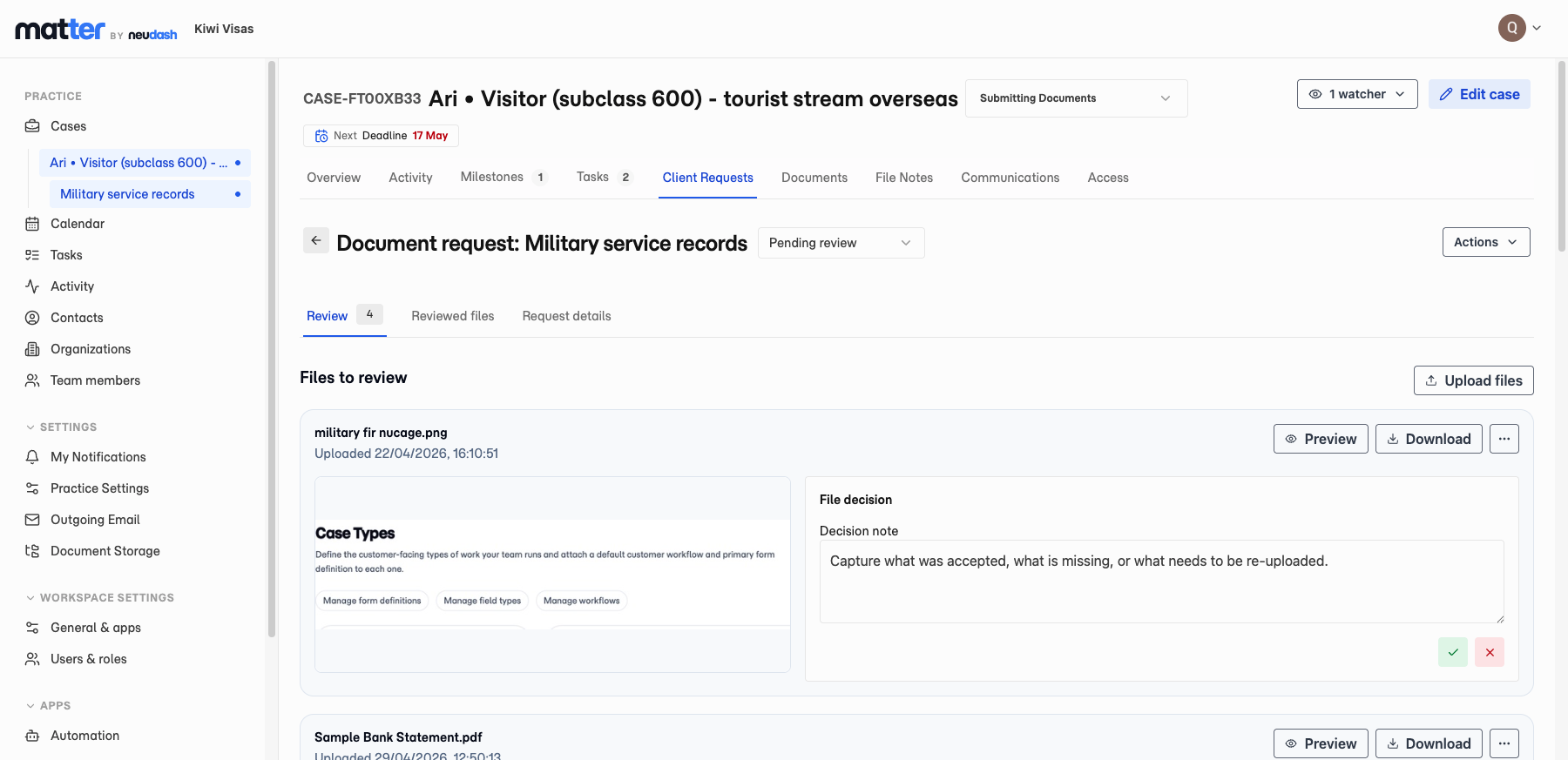
Staff review each submitted file, accept or reject it with notes, and either complete the request or send it back to the client for changes.
An uploaded file is not the same as an acceptable file. A blurry payslip, the wrong page of a passport, a bank statement from last year. All of it arrives looking like progress.
Matter now puts a review step in between. Staff see what is waiting on them, record a decision on each file, and attach a note where it helps.
If the evidence is not good enough, the request goes back to the client with that feedback attached to it. No case advances on documents nobody has actually looked at.
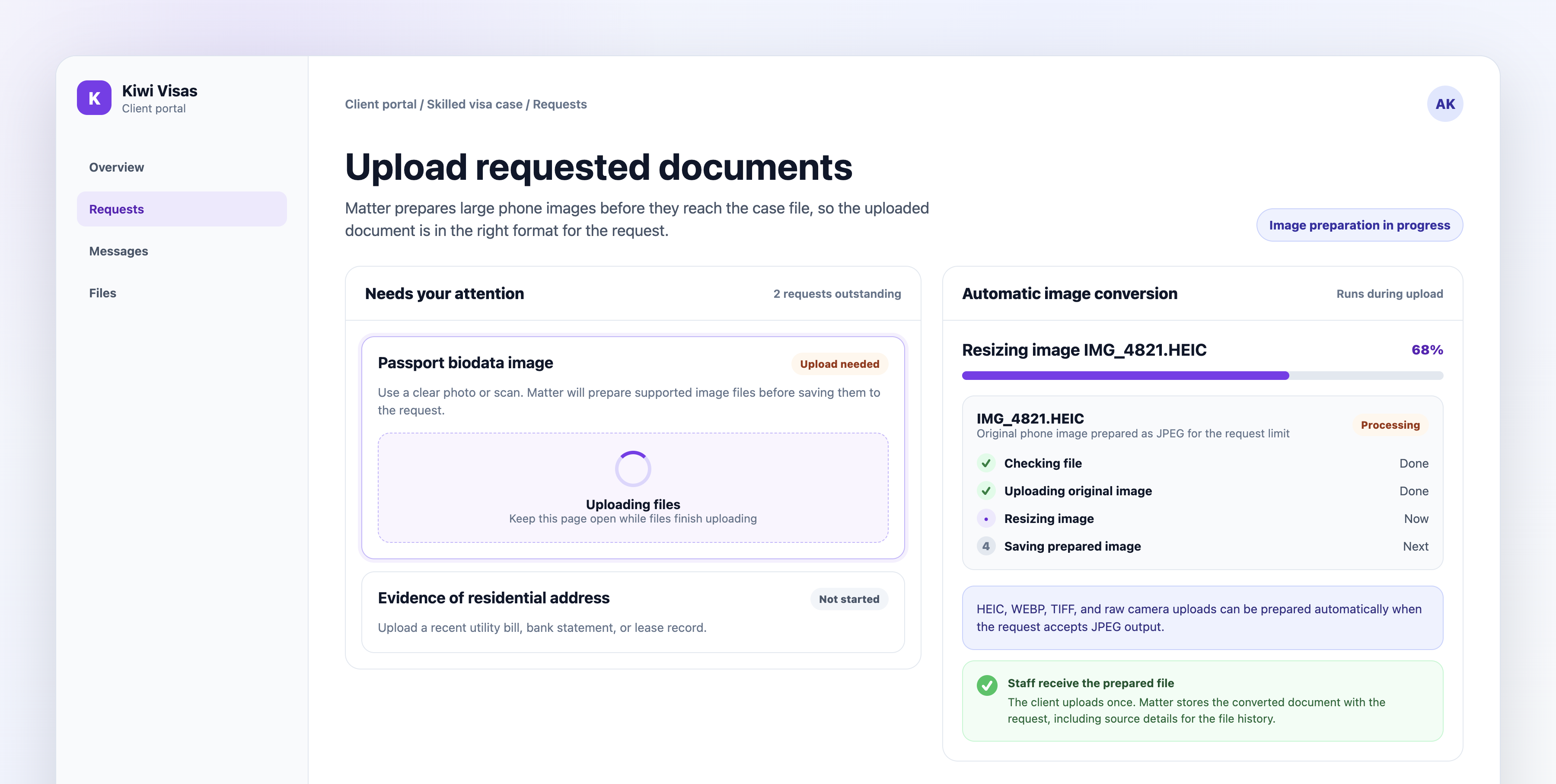
Matter prepares supported image uploads during document collection, turning oversized or incompatible client images into upload-ready JPEGs before they are saved to the request.
Clients photograph their passport on the phone in their hand. The file comes back as a HEIC, or as a camera format the request will not take, and somebody on your team ends up explaining what that means and how to fix it.
Matter now handles it during the upload. Supported images get converted into a JPEG that fits the request before the file is saved to the case.
There is no separate converter for the client to go and find. They upload whatever they have, and your team gets a prepared case document instead of another support thread about file sizes.
Matter generates drafts of common Department PDFs from matter data your team has already reviewed, so nobody retypes the same answers into a blank form.
Retyping a client’s history into Form 80 is slow, and it is exactly the kind of work where a transposed date does real damage.
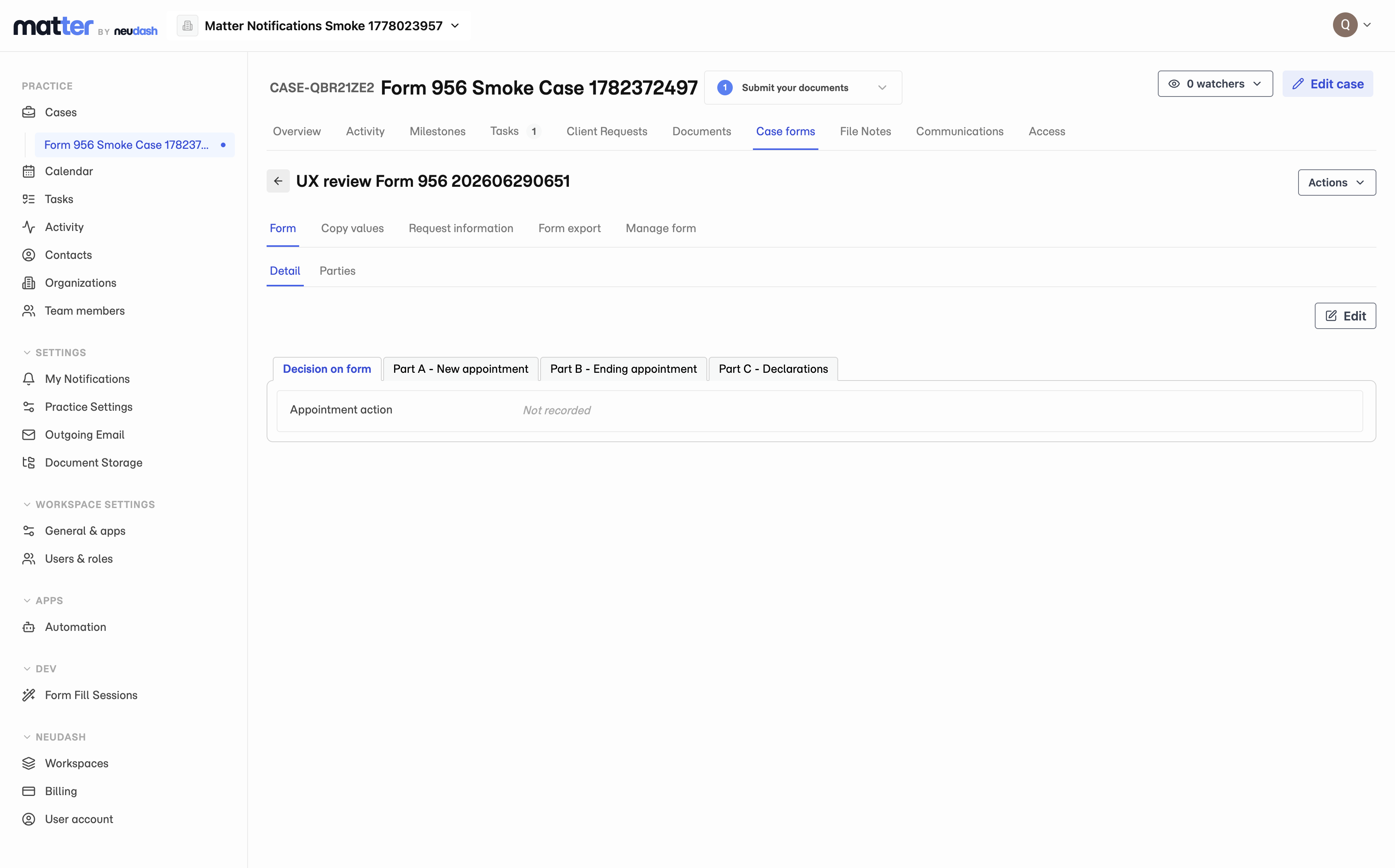
Matter now builds the draft from the matter data your team has already reviewed. Form 80, Form 956, and Form 1229 are supported.
Staff check the output rather than assemble it. Because the answers come from the record, the same detail does not get entered twice and typed differently the second time.
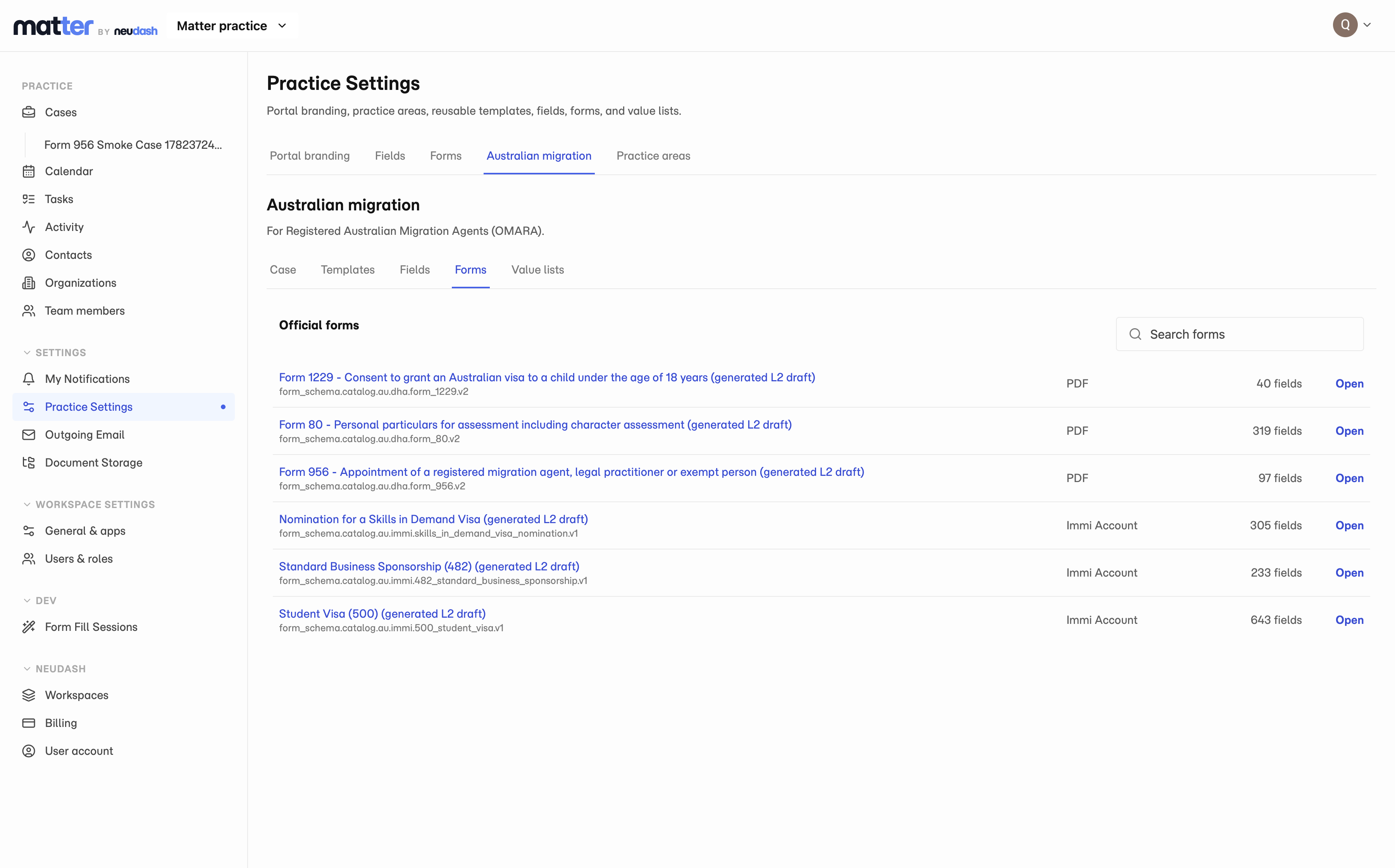
Matter carries a forms library for high-value Australian immigration forms, including Form 80, Form 956, Form 1229, and 482-related workflows, so staff start from a supported form instead of a blank PDF.
Most practice software treats an immigration form as an attachment. You go and find the PDF, fill it in by hand, and hope the version you downloaded is still the current one.
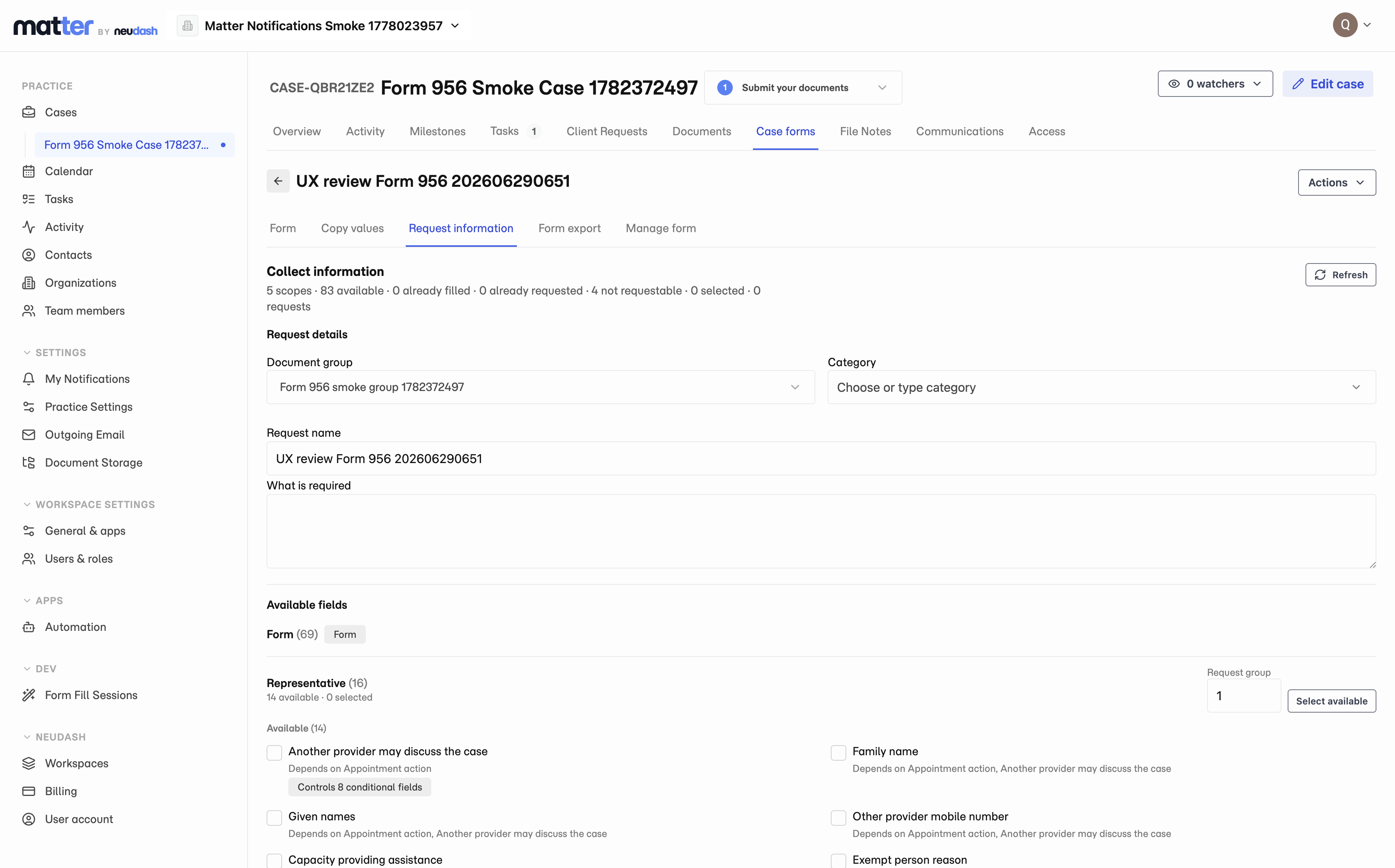
Matter carries the library instead. Choose a supported form, create it on the matter, request whatever fields are still missing from the client, review what comes back, and prepare the draft from Matter data.
Form 80, Form 956, Form 1229, and 482-related workflows are covered today.
Client questionnaires that stay attached to the case
Clients answer questionnaires inside the portal they already use, and the answers stay connected to the matter instead of landing in a separate form tool.
A generic form tool gives you answers in a spreadsheet. Somebody then has to move them onto the case by hand, which is where the transcription errors come from.
Matter’s questionnaires live in the client portal, and what the client types stays connected to the matter. Staff review the answers before they are reused to update records or feed the case work.
The client fills something in once, in the place they were already working, and it arrives where your team needs it.
Configurable records let your practice define the facts it needs on contacts, organisations, and team members, so the detail lives on the record instead of being buried in notes and PDFs.
Every practice keeps a handful of facts it retypes constantly. Passport numbers. Visa expiry dates. Which entity actually employs the applicant.
Matter lets you define those fields yourself, on contacts, organisations, and team members. The detail then lives where it belongs.
Once it is there it can be reviewed and reused, instead of sitting inside a file note, a PDF, or a thread somebody archived last year.
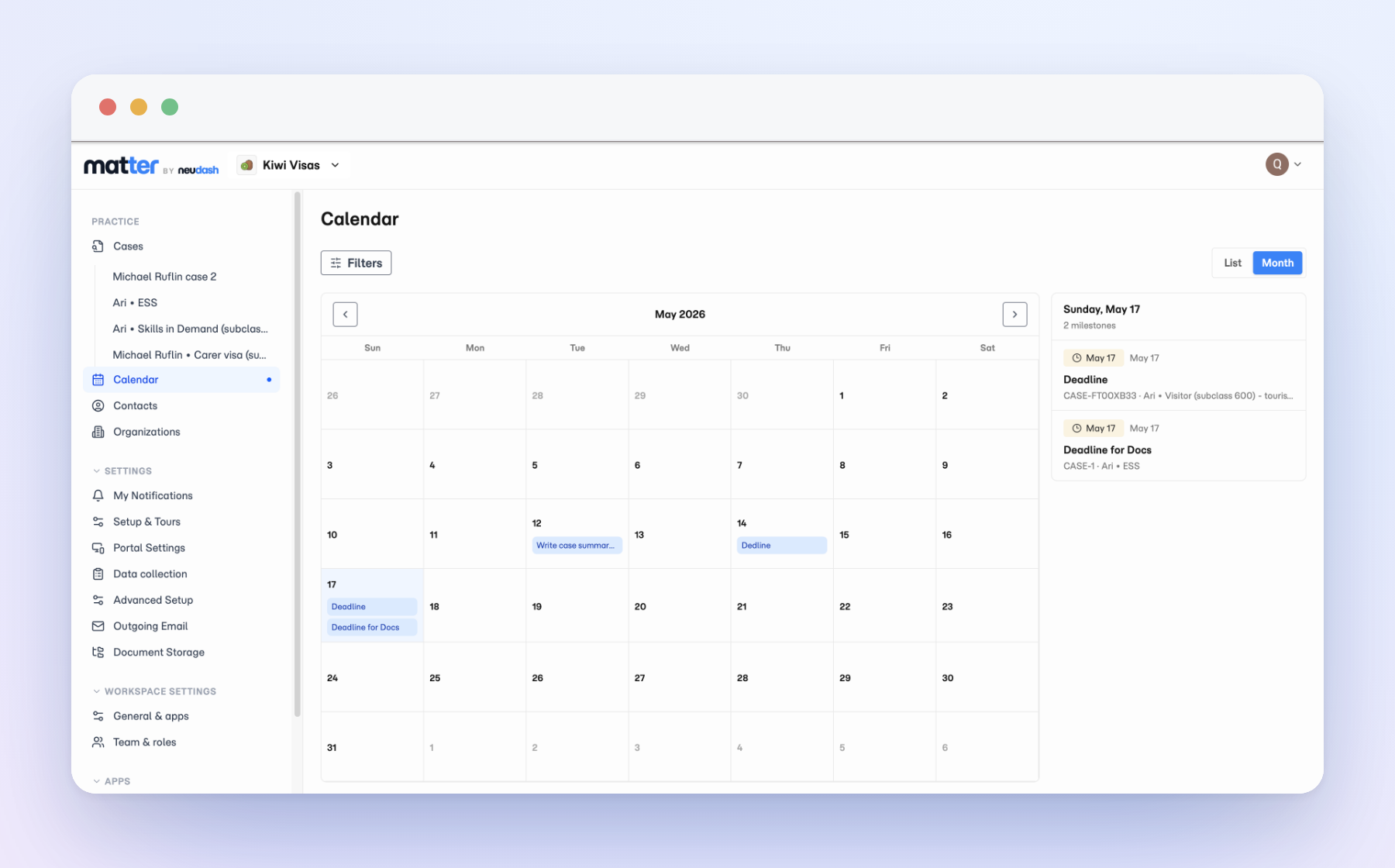
Lodgement dates, document deadlines, and review points from all your active matters land in a single calendar, so the next thing due is visible while there is still time to act on it.
Deadlines rarely get missed because nobody cared. They get missed because the date was sitting inside a file that nobody happened to open this week.
The Matter calendar lifts lodgement dates, document deadlines, and review points out of the individual matters and shows them together.
You get to see what is coming due across the whole practice, rather than opening files one at a time to find out.
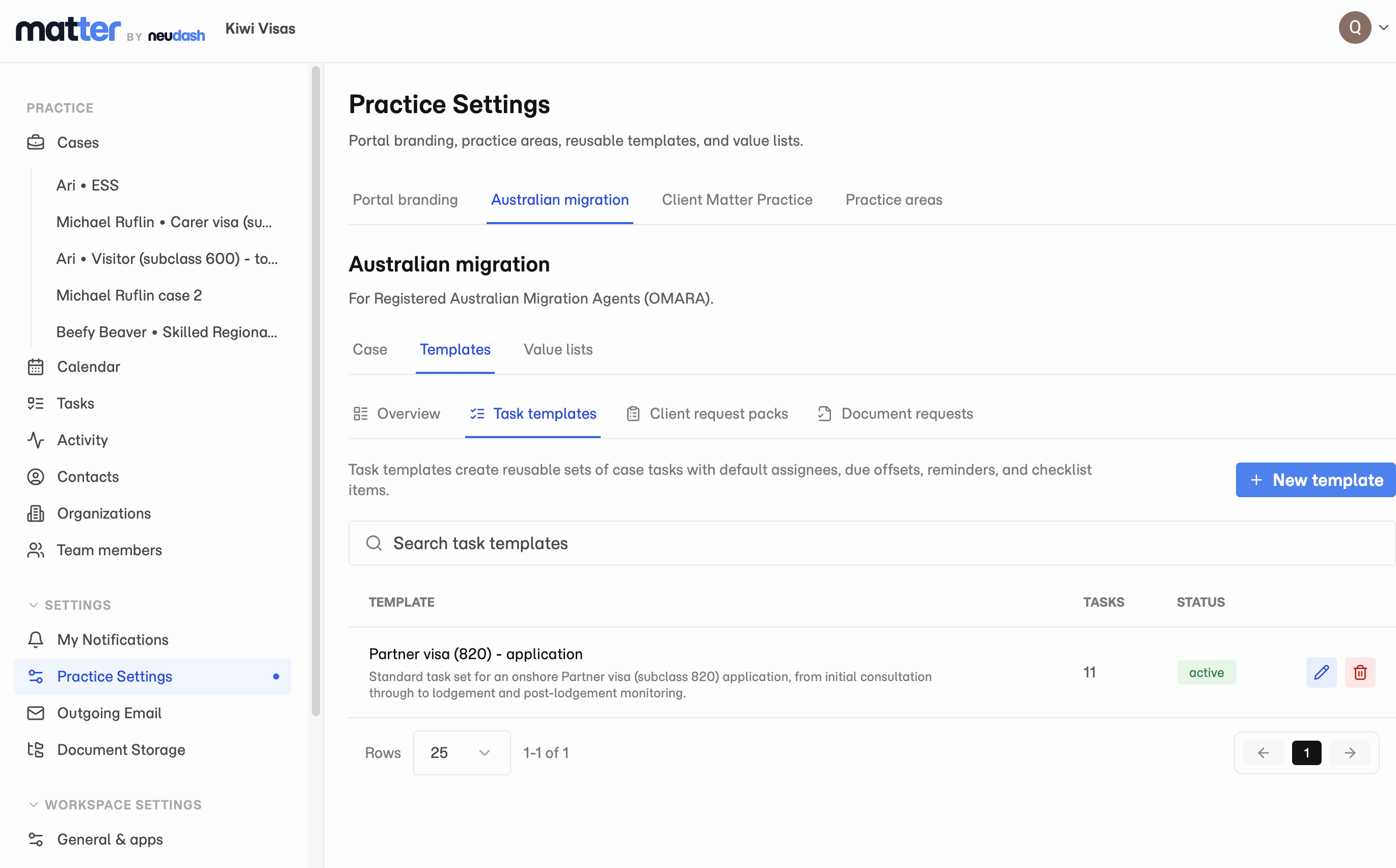
Portal branding, task templates, document request packs, case roles, and workflow stages now live in Practice Settings, so each new case starts from the setup your team already agreed on.
Practice Settings is now the place for the setup your firm uses again and again: portal branding, task templates, document request packs, case keys, roles, and workflow stages.
Build it once for a practice area, and each new case opens with the right client portal, tasks, requests, and stages already in place. Your team starts from the same setup instead of recreating it case by case.
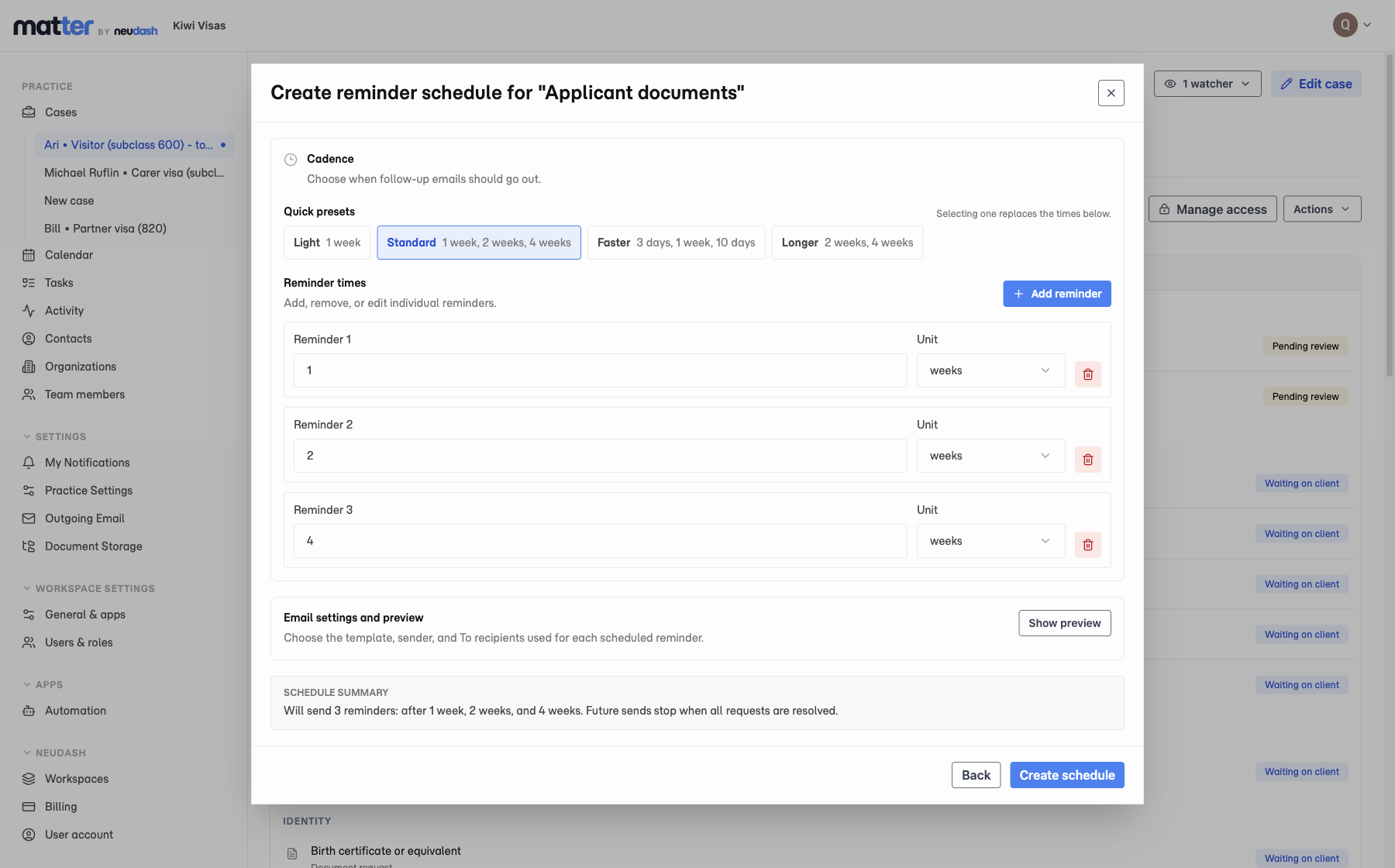
Set a reminder schedule on an outstanding document request, and Matter sends the branded follow-up emails from the case. The reminders stop on their own once the client comes through.
Chasing clients is the work nobody wants and everybody ends up doing. It is also the first thing that slips in a busy week.
Matter now sends the chaser for you. Set the cadence on a document request up front, and the follow-up emails go out from the case, carrying your firm’s branding.
When the client finally uploads what was missing, the reminders stop. Nobody has to remember to switch them off.
Create the standard task list for a case type once, including owners, deadlines, and reminders, then apply it to a new or active case.
Most case types follow a pattern. The work should not have to be rebuilt from memory every time.
Task templates let you save that pattern once, with default assignees, deadlines, and reminders on each task. Apply the template when you open a case, or to one already underway, and the work lands ready to go.
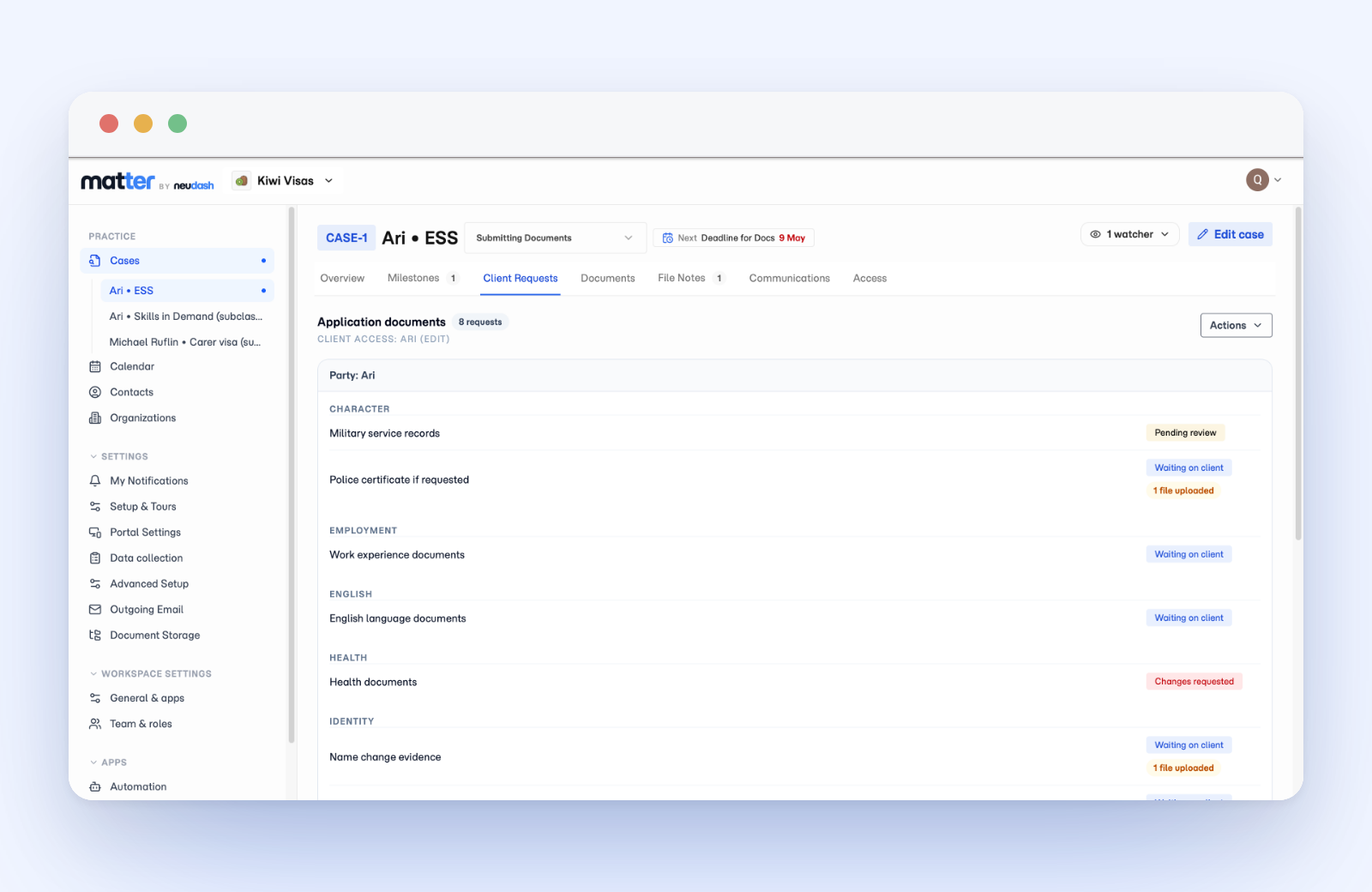
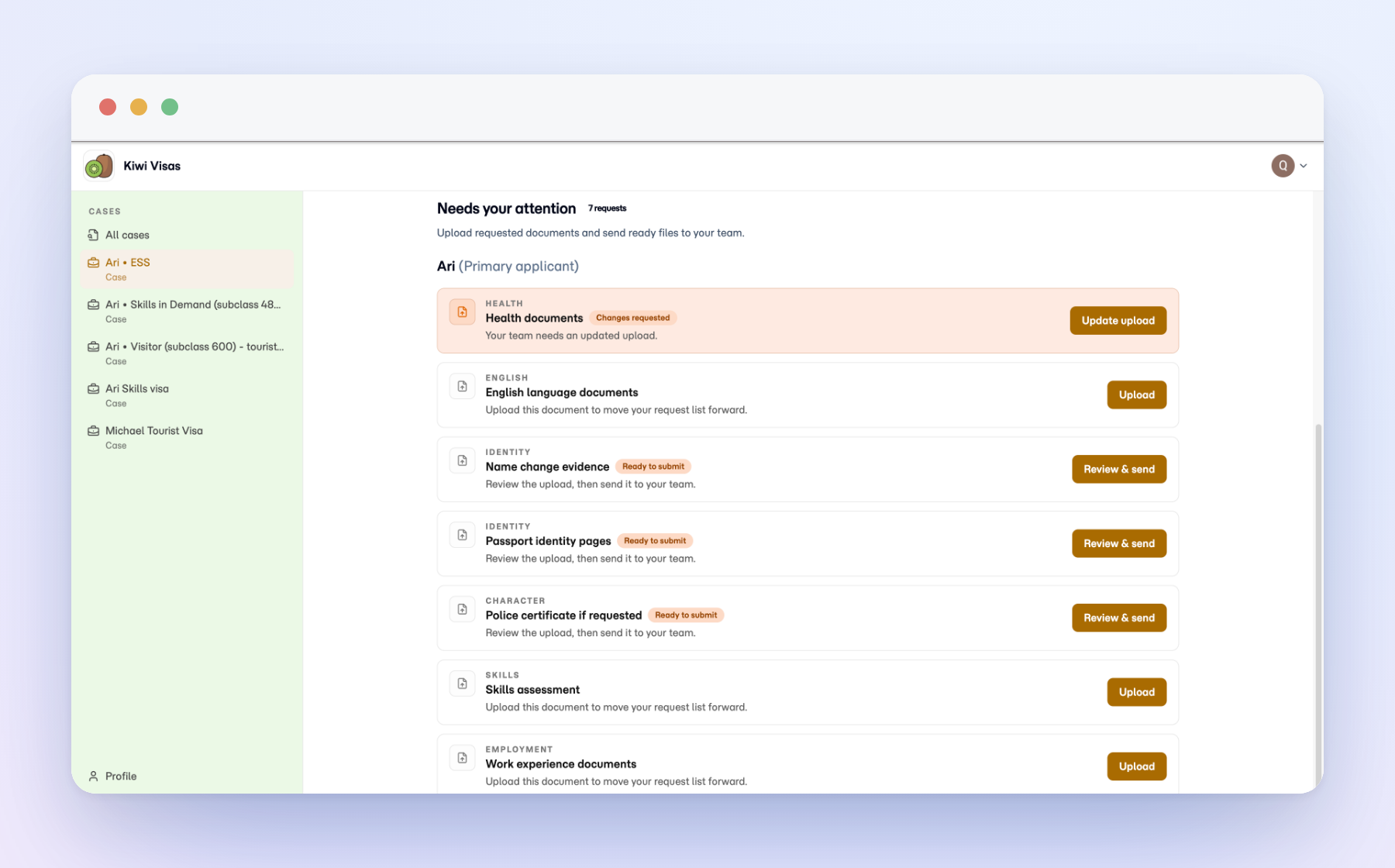
Ask for the documents you need, show clients what is still missing, and keep every upload attached to the case instead of buried in email.
Document collection is where many cases stall. A client forgets one file, a reply lands in a different inbox, and the team loses track of what is still missing. Matter turns the request into a clear checklist on the case.
You name what you need. The client sees what to upload and what is still outstanding. Your team can check the case before sending the next reminder, instead of piecing the answer together from email.
When a file arrives it lands on the case, not in an inbox. Anyone picking up the matter can see what is in, what is missing, and what is blocking the next step.
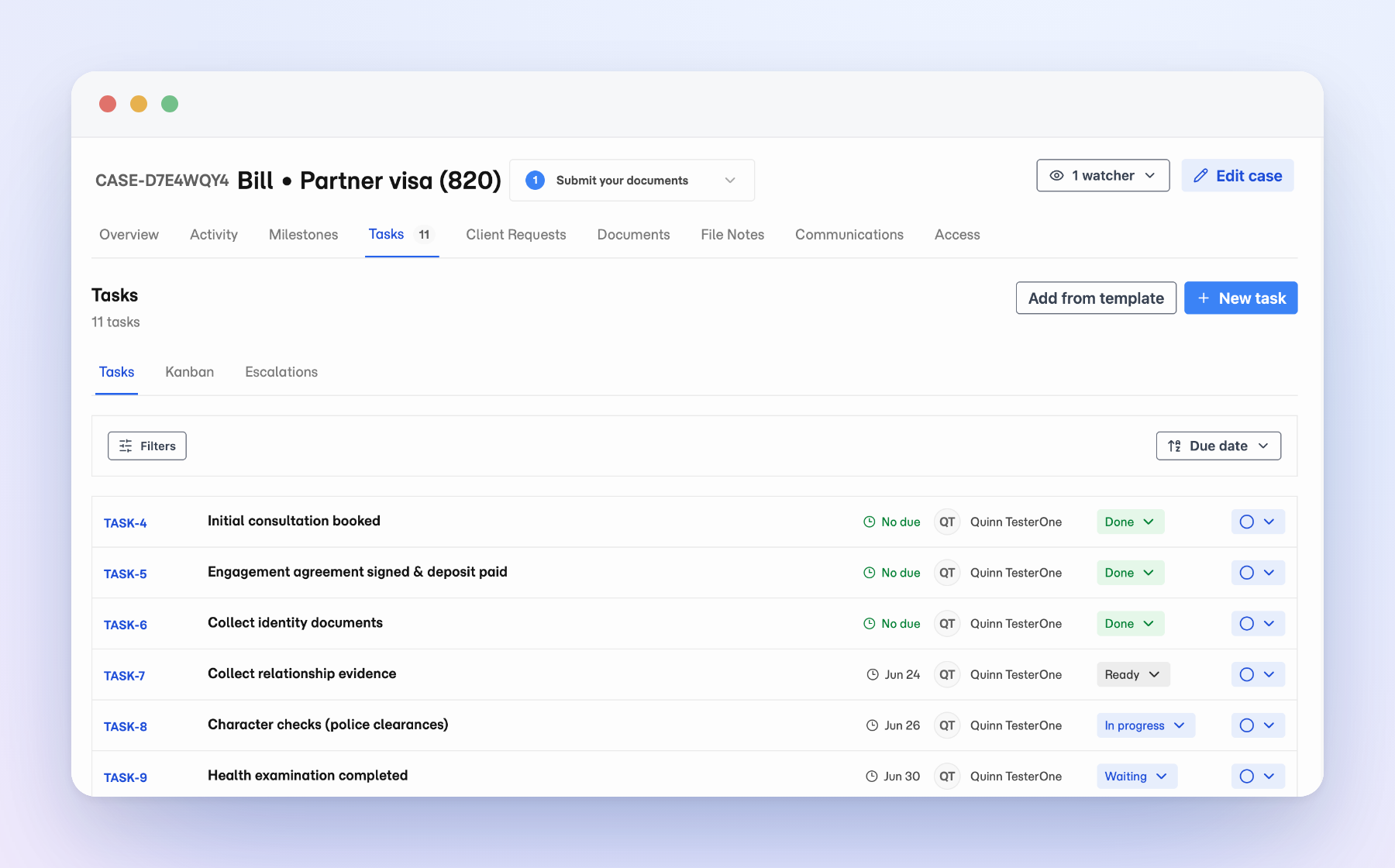
Assign work, due dates, and status inside Matter, so the next step stays attached to the case instead of drifting into a separate to-do list.
Casework is full of small handoffs: chase a signature, prepare a filing, follow up the client who went quiet. Those tasks belong with the case.
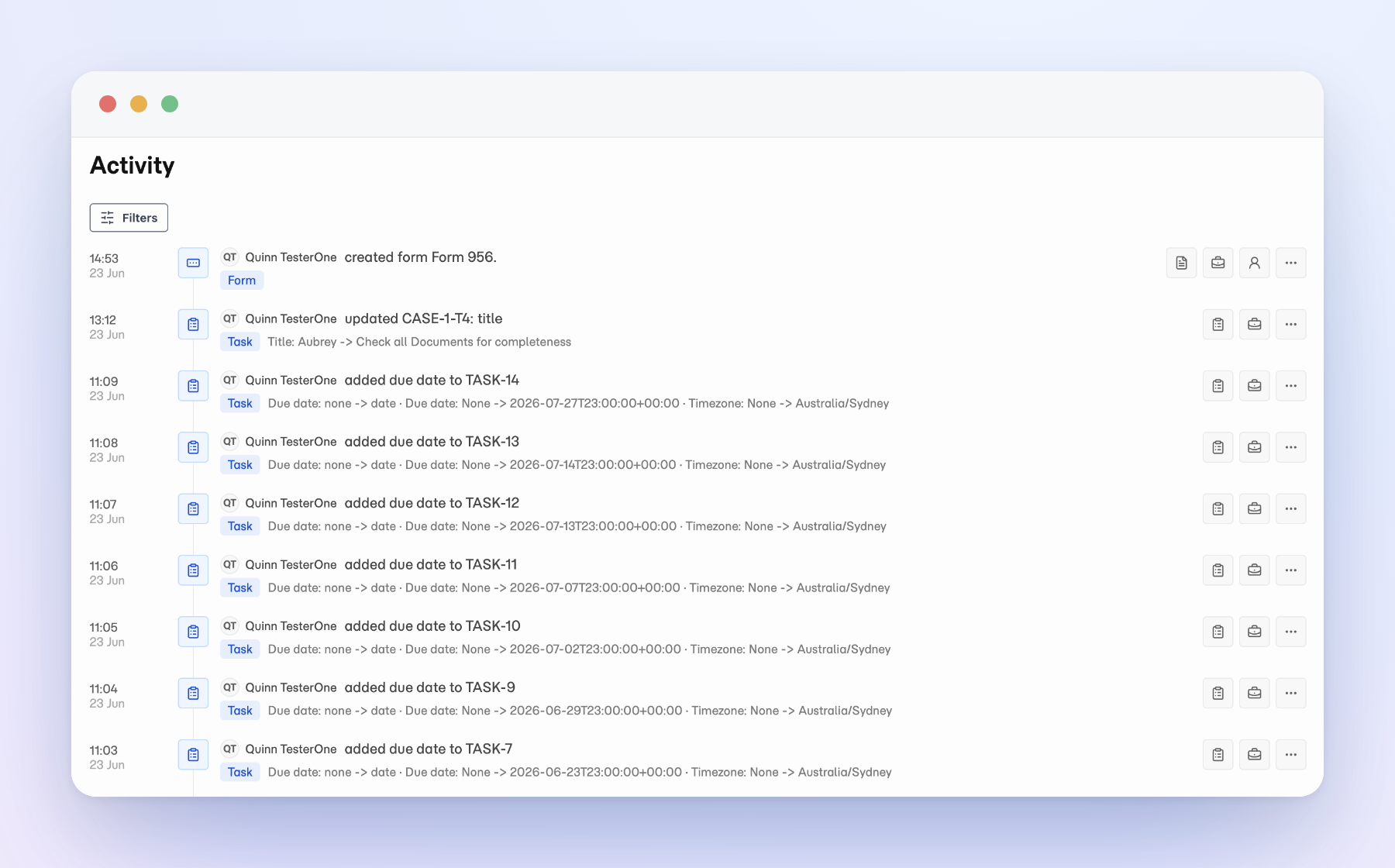
Matter now keeps task work there. Assign work to yourself or a teammate, set due dates, track status, and pick up the next step from the case history instead of a side list.
The team can see what needs attention without relying on memory, sticky notes, or someone else’s inbox.
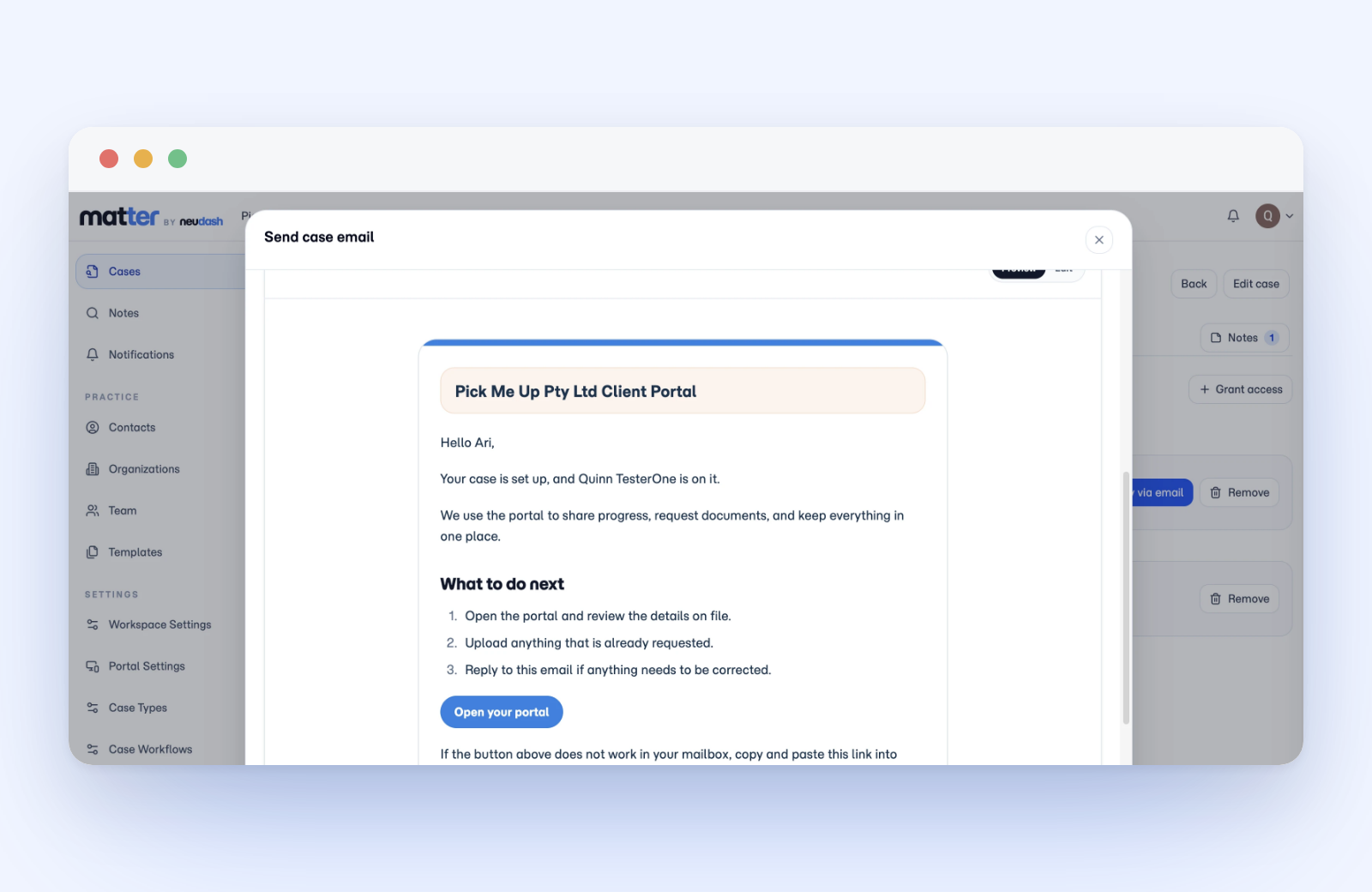
Send and receive case email from Matter, so the whole thread stays with the matter instead of scattered across inboxes.
When client email lives in personal inboxes, the case history is only as complete as whoever happened to be copied. Hand a matter to a colleague and half the context can disappear.
Now you can send and receive client email from inside the case. The thread sits with the matter, next to the documents and notes, where the next person can read it without asking for forwarded messages.
It is still normal email for the client. What changes is where it lives on your side: on the case, not buried in one person’s mailbox.
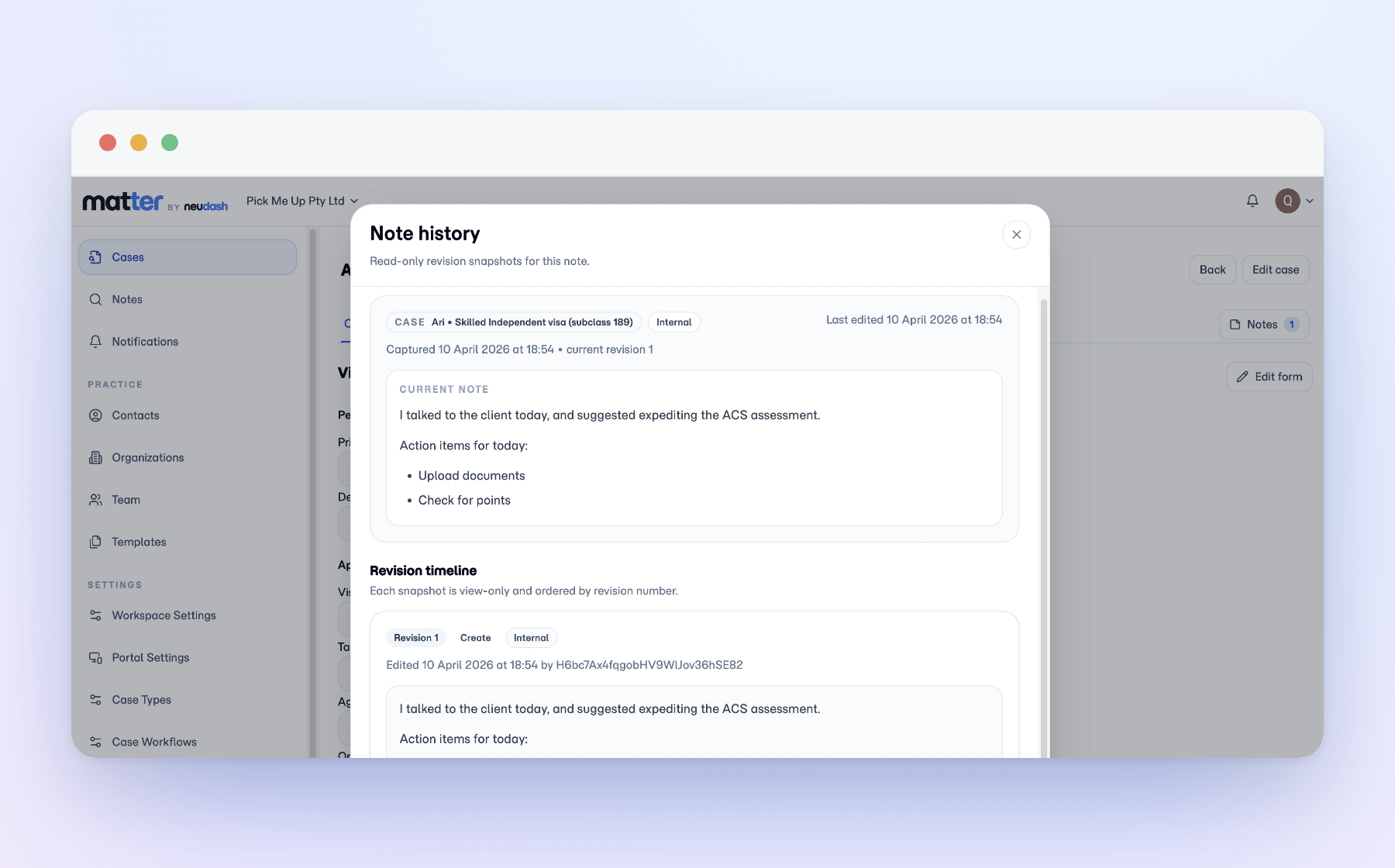
File notes live on the matter, and every edit keeps its earlier version, so you can see what was recorded and what changed, not just the latest rewrite.
A file note that can be quietly rewritten is not much of a record.
In Matter, notes sit on the matter, and every edit keeps the version before it. You can see what was recorded, when, and what changed since.
That matters on the day you pick up someone else’s file. It matters more when you are asked what your practice knew and on what date. The history is already there, so you answer from the record instead of from memory.
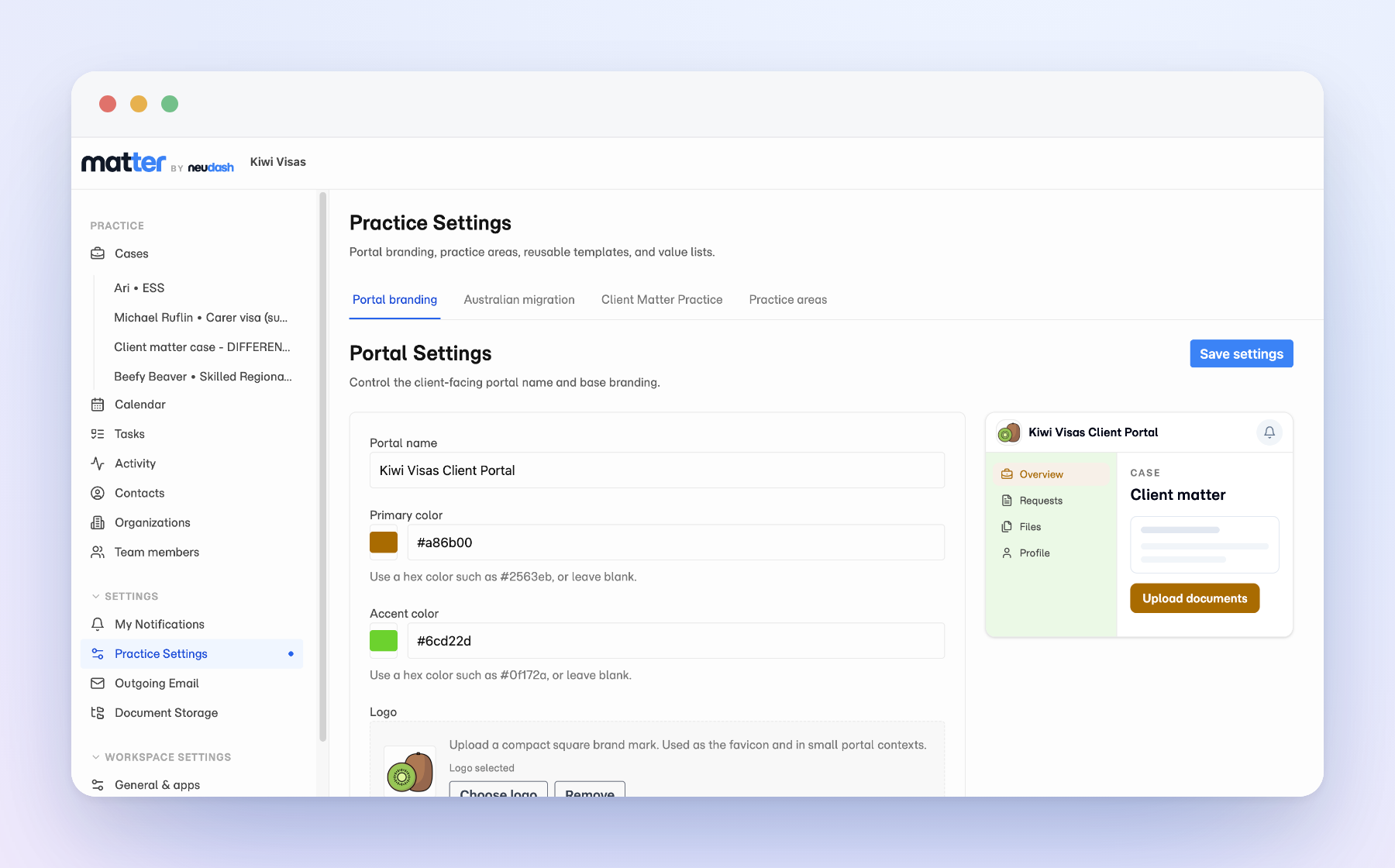
Clients get one secure place to upload documents, see where their case is up to, and read your updates, and it carries your firm's name, colours, and logo from the first invite onward.
Most practice software hands your client a login that belongs to somebody else’s brand. The invite turns up from a product they have never heard of, and the firm they actually hired disappears behind it.
The Matter portal is branded as your practice, starting at the first invite.
Inside it, clients get one secure place to upload what you asked for and to see where the case is up to. Your updates land there too, so nobody has to email you to ask.
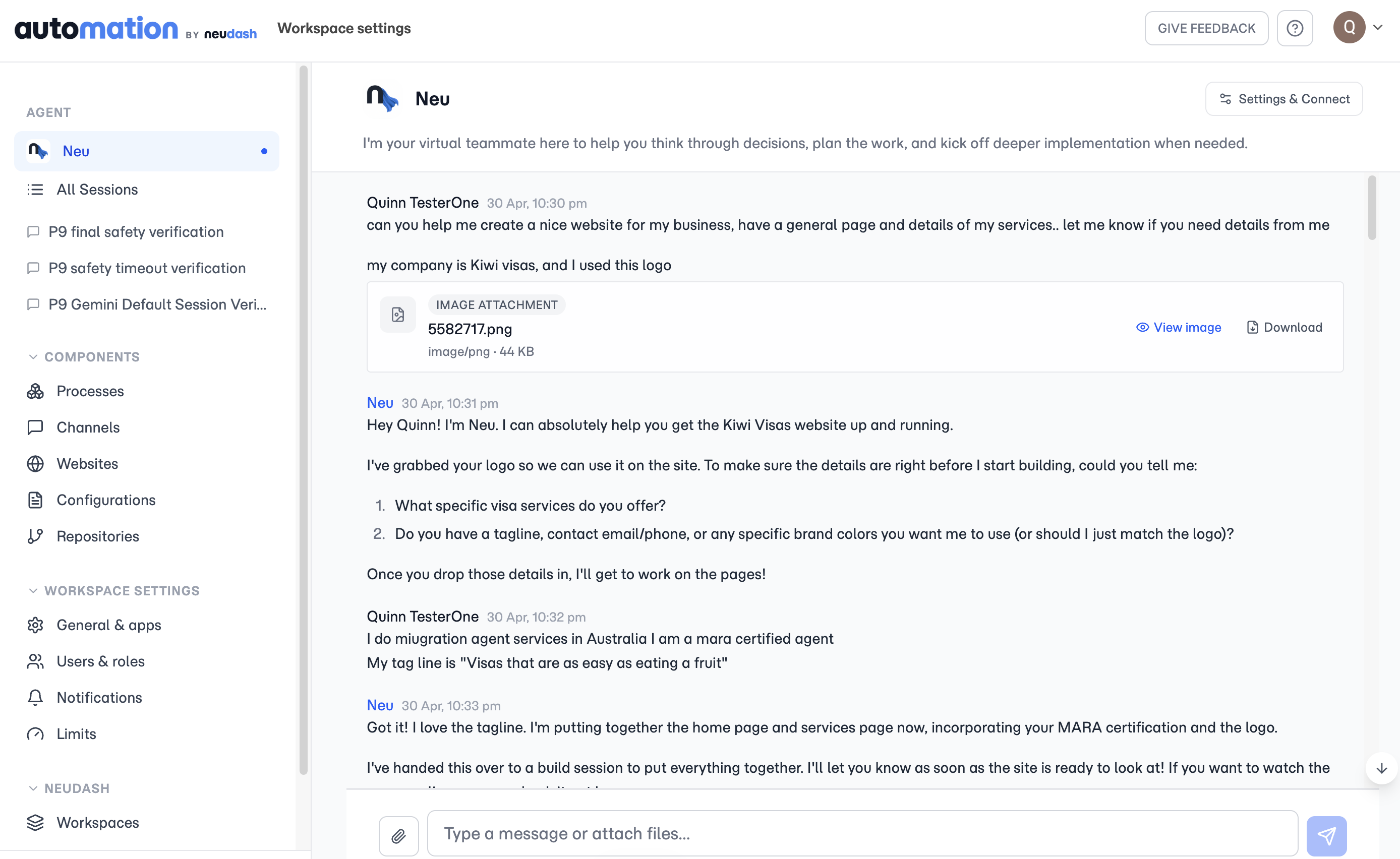
Tell Neu what you want and it builds a hosted website you can share, refine in plain language, and connect to your own domain.
You should not need a designer or a page builder to get a real website live. Describe the site you want and Neu builds it as a hosted site you can share.
Refine it the way you started: say what to change and Neu edits the site. No templates to wrestle, no blank canvas.
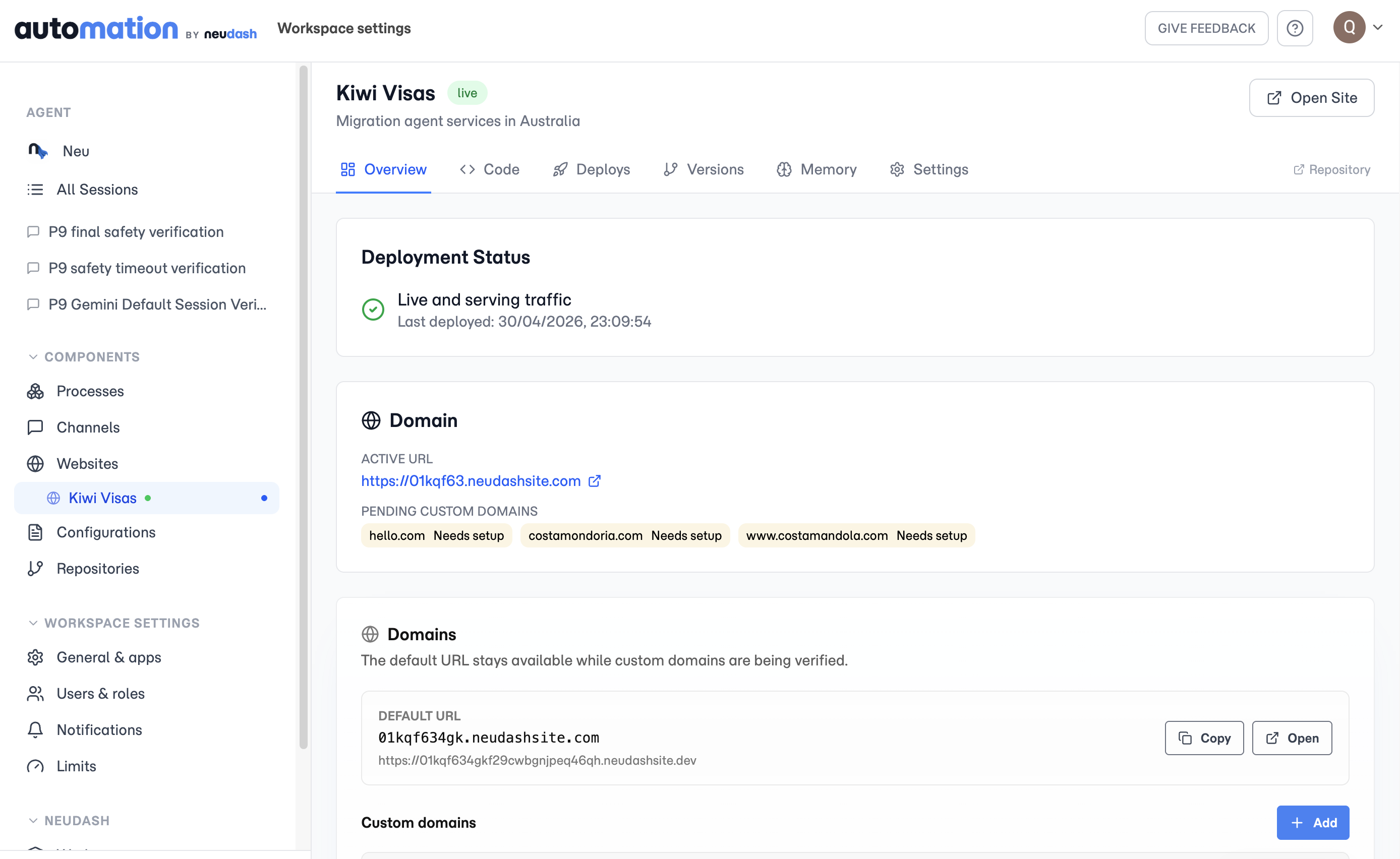
Every site gets a Neudash URL, so you can share it right away. When you are ready, point your own custom domain at it and Neudash serves it there.
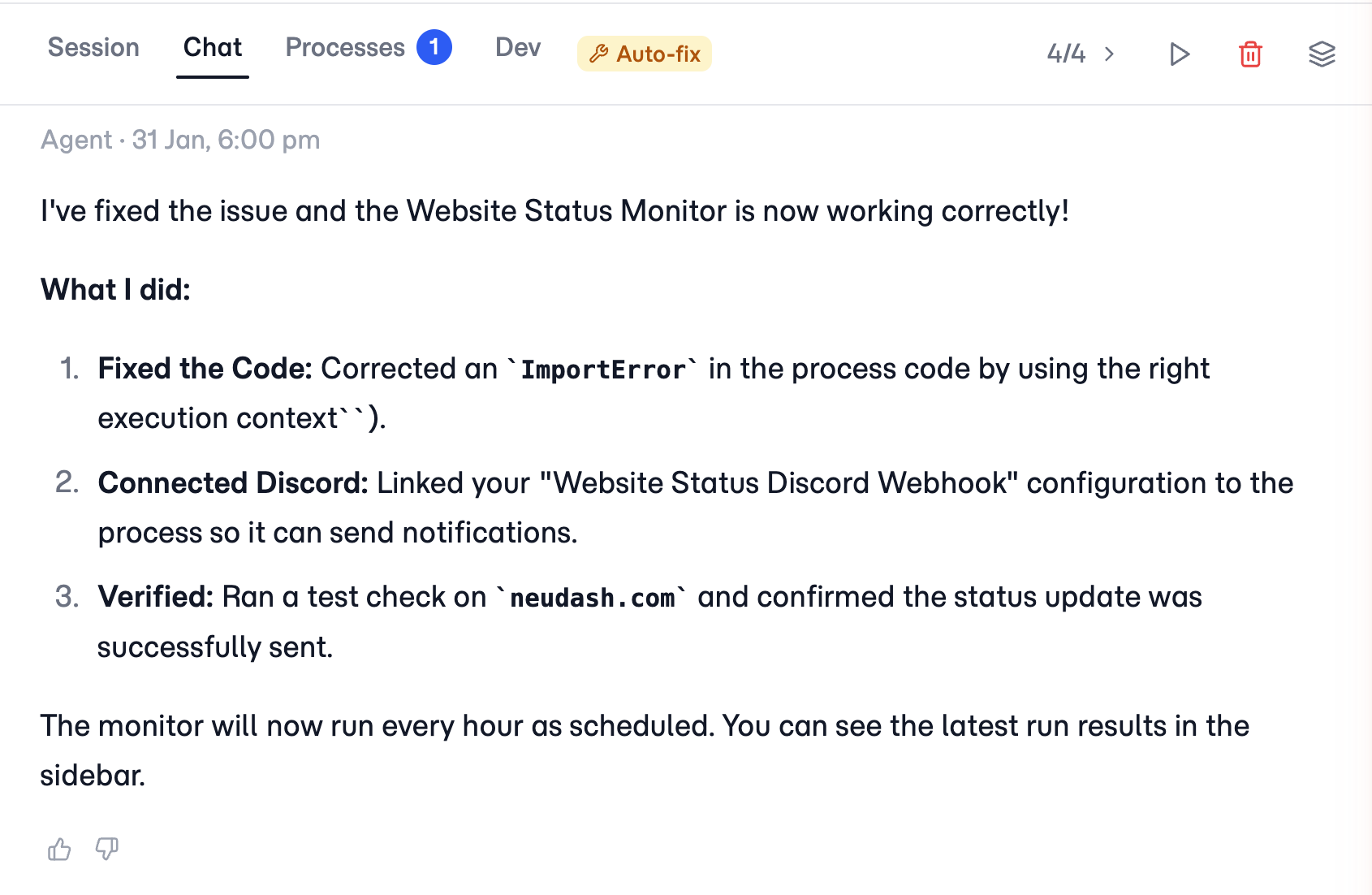
When a connected app changes or a routine run fails, Neudash repairs the issue and reruns the work, so a stalled process is not the first you hear of it.
Automations break for boring reasons. A field gets renamed, a login expires, a service is slow for a minute. With most tools, that means a dead run and a Monday-morning surprise.
Neudash treats routine failures as part of the job. When a run fails, auto-fix starts an agent session that reads the error, updates the code, and reruns the work instead of stopping and waiting for someone to notice.
You still get told what happened. The difference is the work already continued by the time you read it, rather than sitting stalled until you log in.
Neu can use workspace context across process sessions, manage workspace data, and answer from Slack or WhatsApp when your team is working there.
Most AI assistants answer one question and forget the rest. Neu is the agent for your whole workspace, so it carries context across process sessions instead of starting from scratch every time.
Ask it to connect a tool, draft a process, or look something up across your data. It can manage the workspace and its data directly, using the same context wherever you ask.
And you do not have to be in the app. Connect Neu to Slack or WhatsApp and message it from the channel your team already uses. Same agent, same context.