Step-by-step guide
Connect the practice mailbox
Connect Gmail or Outlook before staff send client email from a matter.
Follow the mailbox setup guide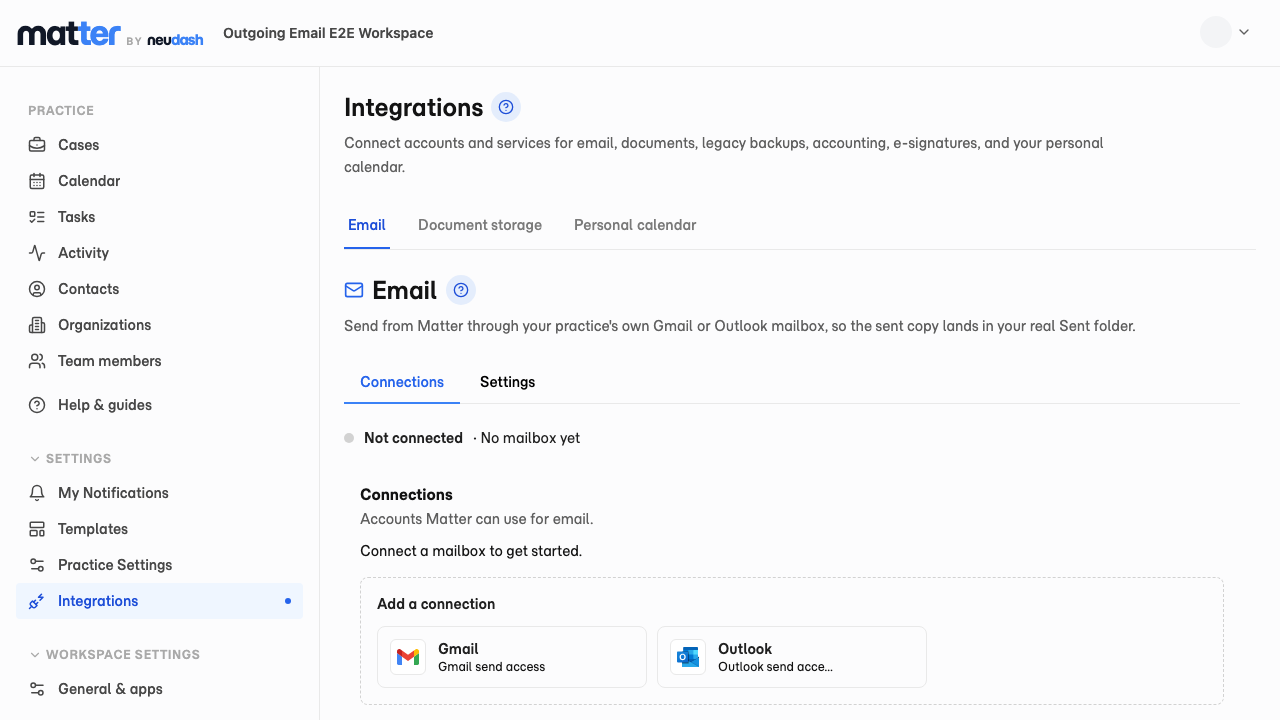
Email clients without leaving the case
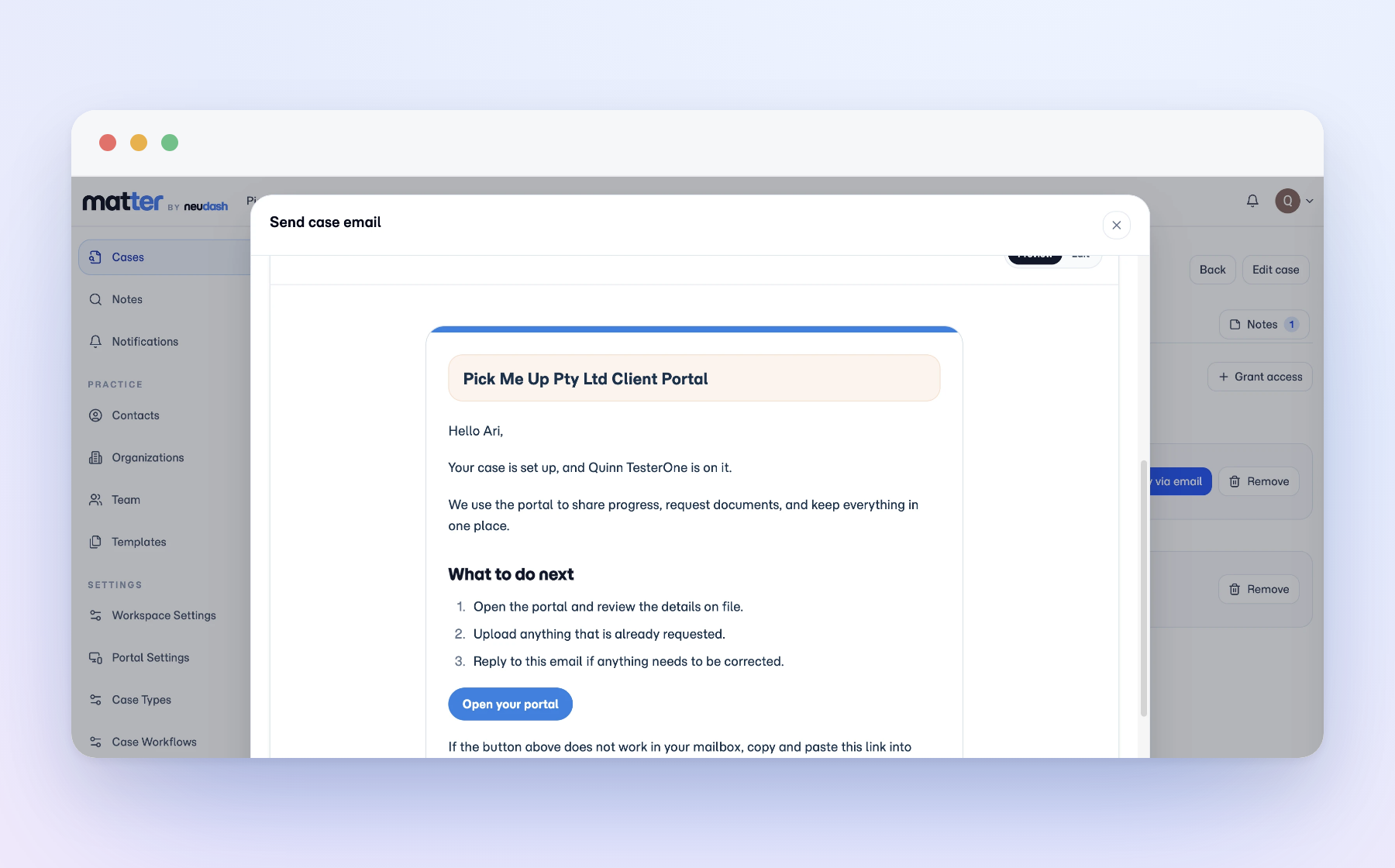
Send a client update while you are already looking at the matter. You write the message in the context of the file, so it stays attached to the case instead of becoming a disconnected inbox task.
Tied to the matter that caused it
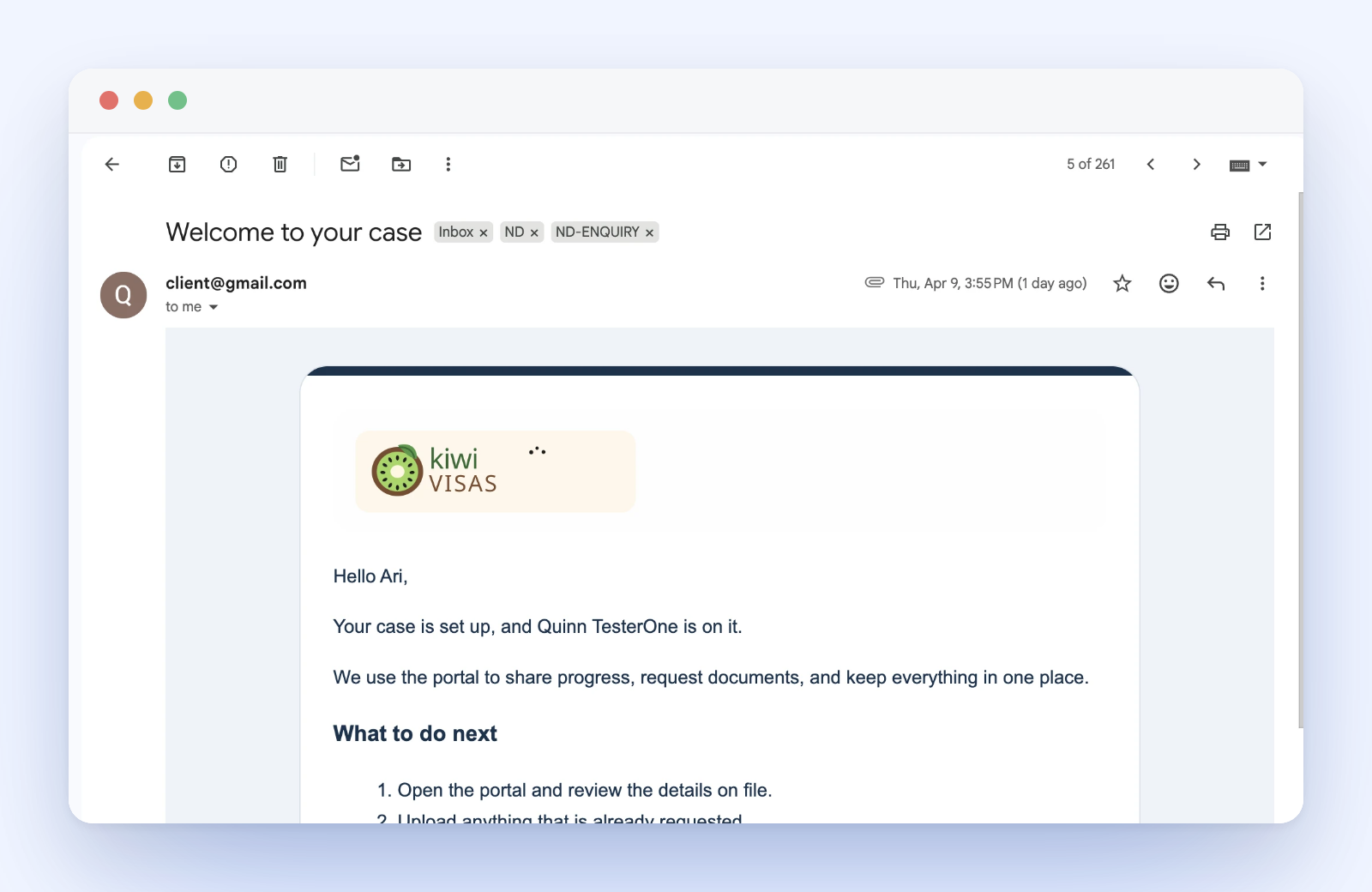
Staff use case email to invite a client into the portal or follow up on an open request. Because the message starts from the case, it is already connected to the work that prompted it, which makes follow-up, handover, and review easier later.
A normal email for the client, a connected record for you
Clients receive a normal, professional email. The difference is on your side. The practice keeps the message linked to the matter, which is exactly what you want when the email refers to a document request, a milestone, or a portal action. Case email covers sending these updates from the file; two-way inbox sync and automatic classification are separate features.