Practice areas decide how a matter runs
Everything in Practice Settings hangs off a practice area. A practice area is a kind of work your firm takes on, like Australian migration for RMAs, or a general client-matter practice for everything that does not belong to a specialist area. It carries its own case setup, templates, roles, and value lists. When someone opens a new matter they pick its practice area, and the case starts with that area’s setup already in place. Run more than one kind of work and each gets its own configuration without bleeding into the others.
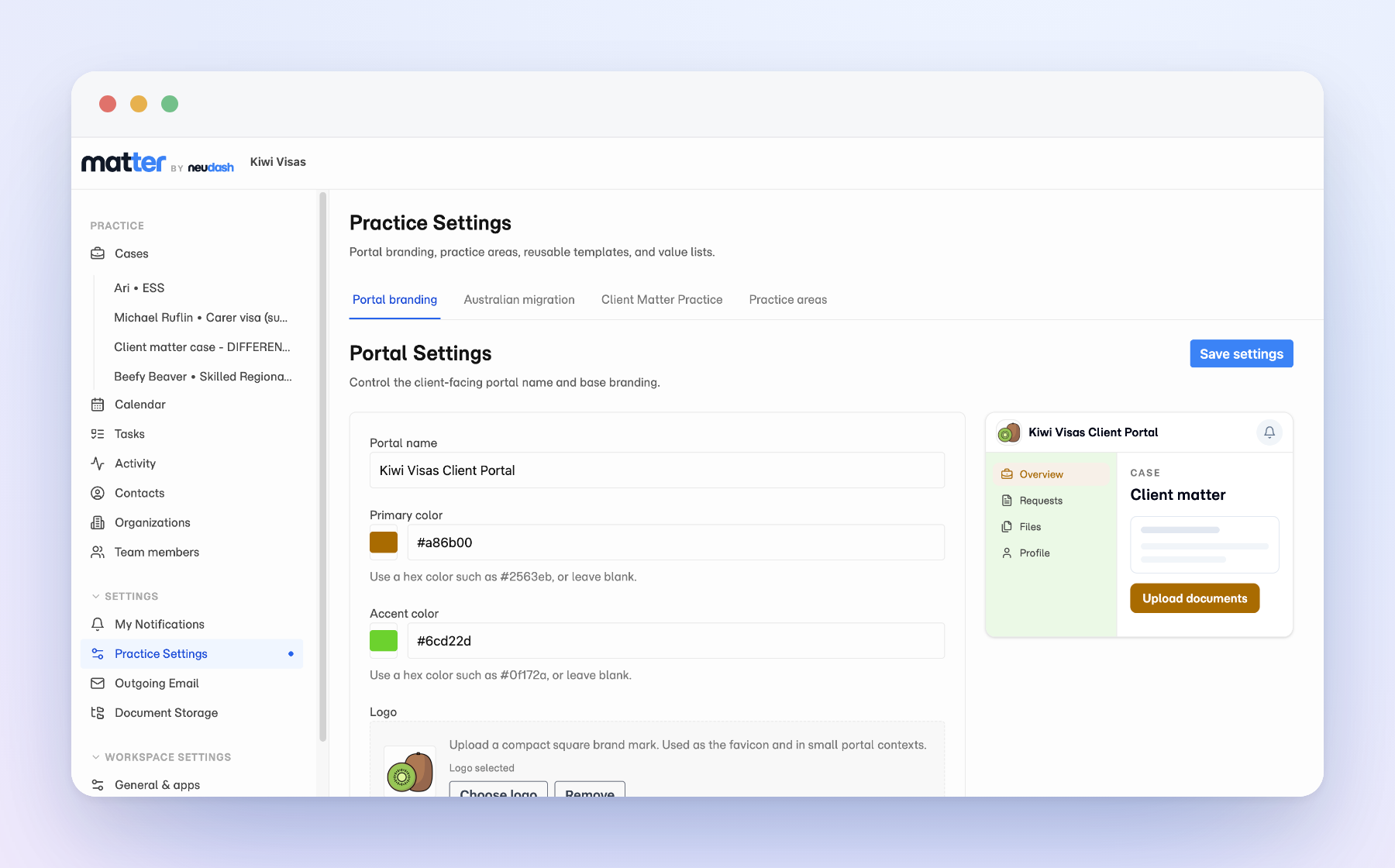
A client portal that carries your brand
Set the portal name, primary and accent colours, a square logo, and a wide wordmark for the portal header, and a live preview shows the client portal taking your brand as you type. Clients never meet a generic tool: they see your firm from the first invite through every document request and status update.
Case setup every new matter inherits
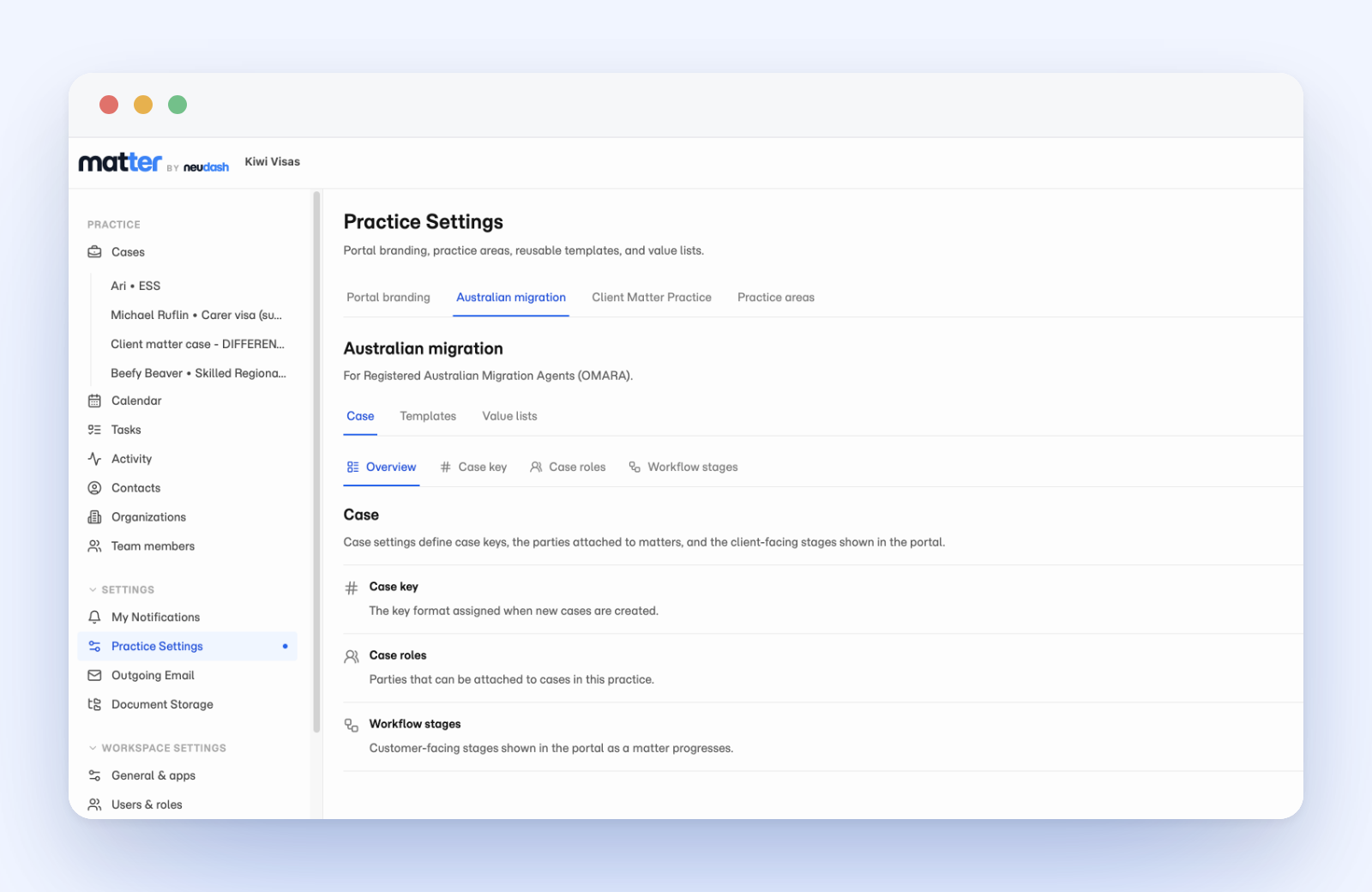
Inside a practice area, case settings define three things a matter needs from day one:
- Case key: the reference format new cases are numbered with, so every matter has a consistent identifier.
- Case roles: the parties that can be attached to a matter, so the people on a case are named the way your practice names them.
- Workflow stages: the client-facing stages shown in the portal as a matter moves forward, so clients can see where their case stands without asking.
Set them once per practice area and every new case opens already keyed, staffed with the right roles, and showing the right stages.
Templates built from cases that already worked
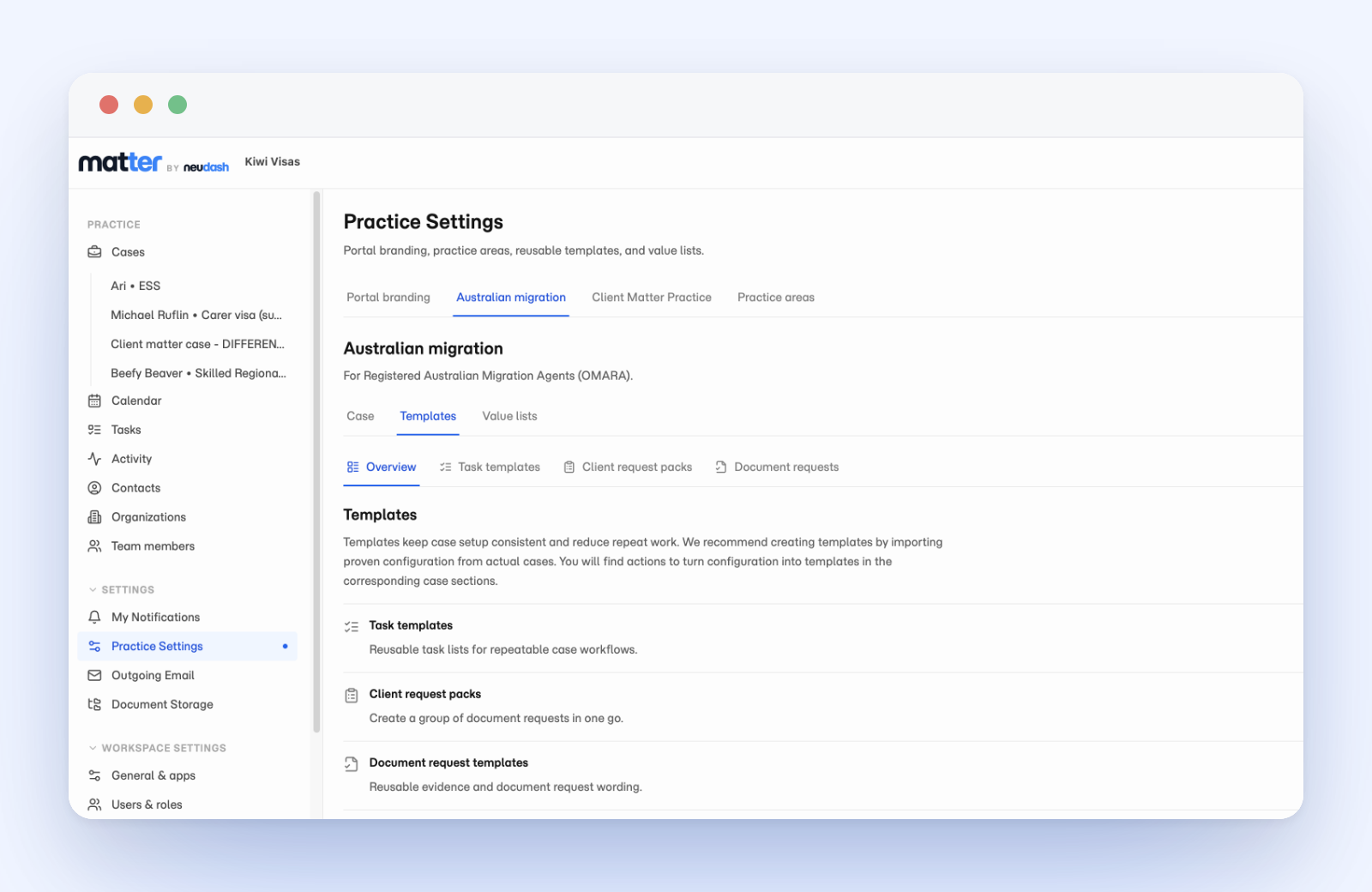
Templates are where repetitive setup stops being repetitive. Each practice area holds task templates for the workflows you run again and again, document packs that raise a whole group of document requests in one go, and document request templates that save your evidence wording so every client gets the same clear ask. The strongest way to build them is to start from a matter that already went well: turn proven configuration from a real case into a template, rather than designing one in the abstract.
Value lists that keep your language consistent
Value lists are the reusable choices a practice area offers, like case types and document-request categories, so the dropdowns your team picks from match the words they actually use when opening matters and preparing requests. Set the vocabulary once and every case and request stays consistent across the team.