matter features
Complete practice software for registered migration agents, migration lawyers and legal practices. From the first enquiry to the final invoice.
Explore the featuresSee Matter at work.
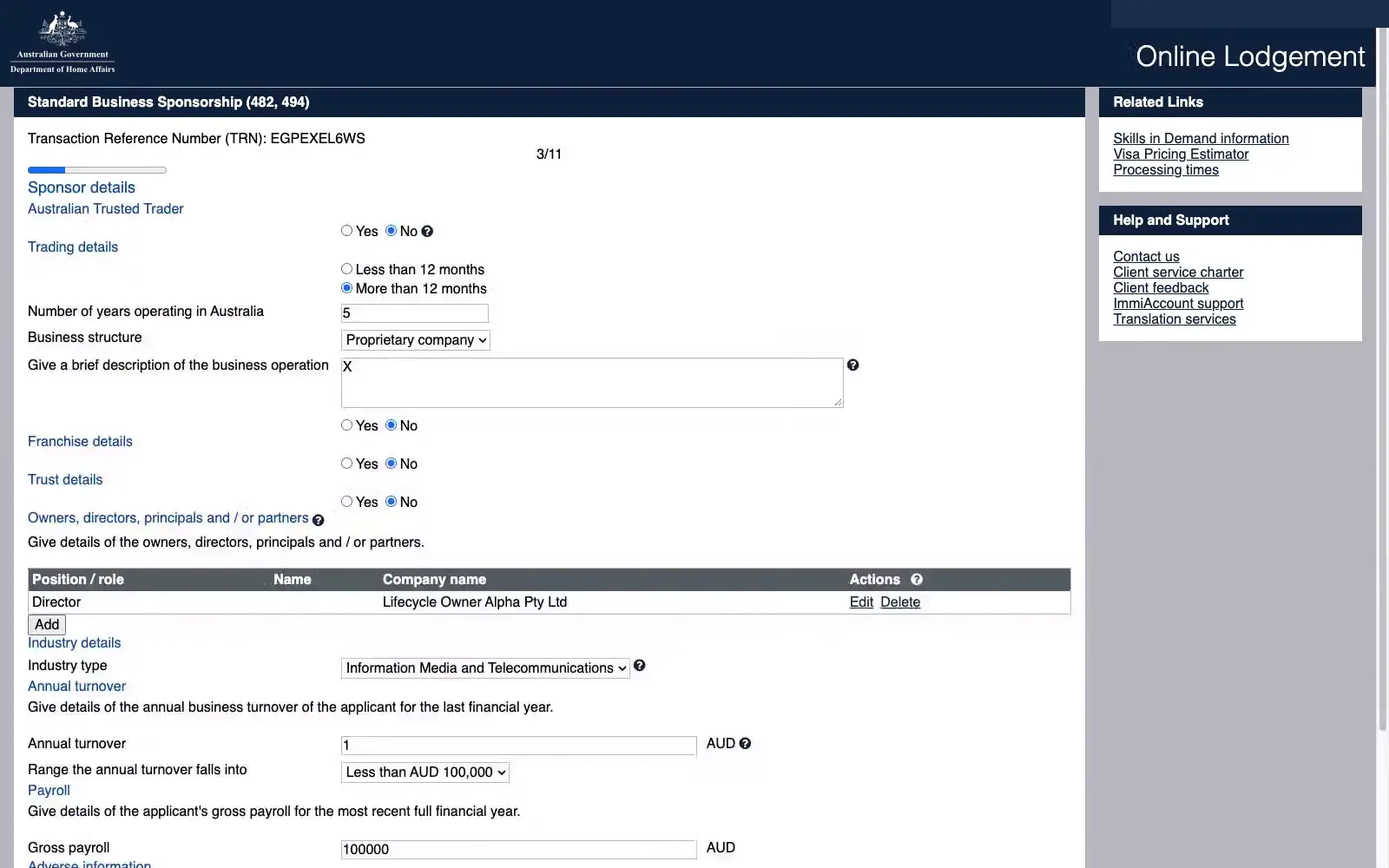
ImmiAccount autofill
Create an SBS draft and fill through page 11. Filling is shown at 4× speed.
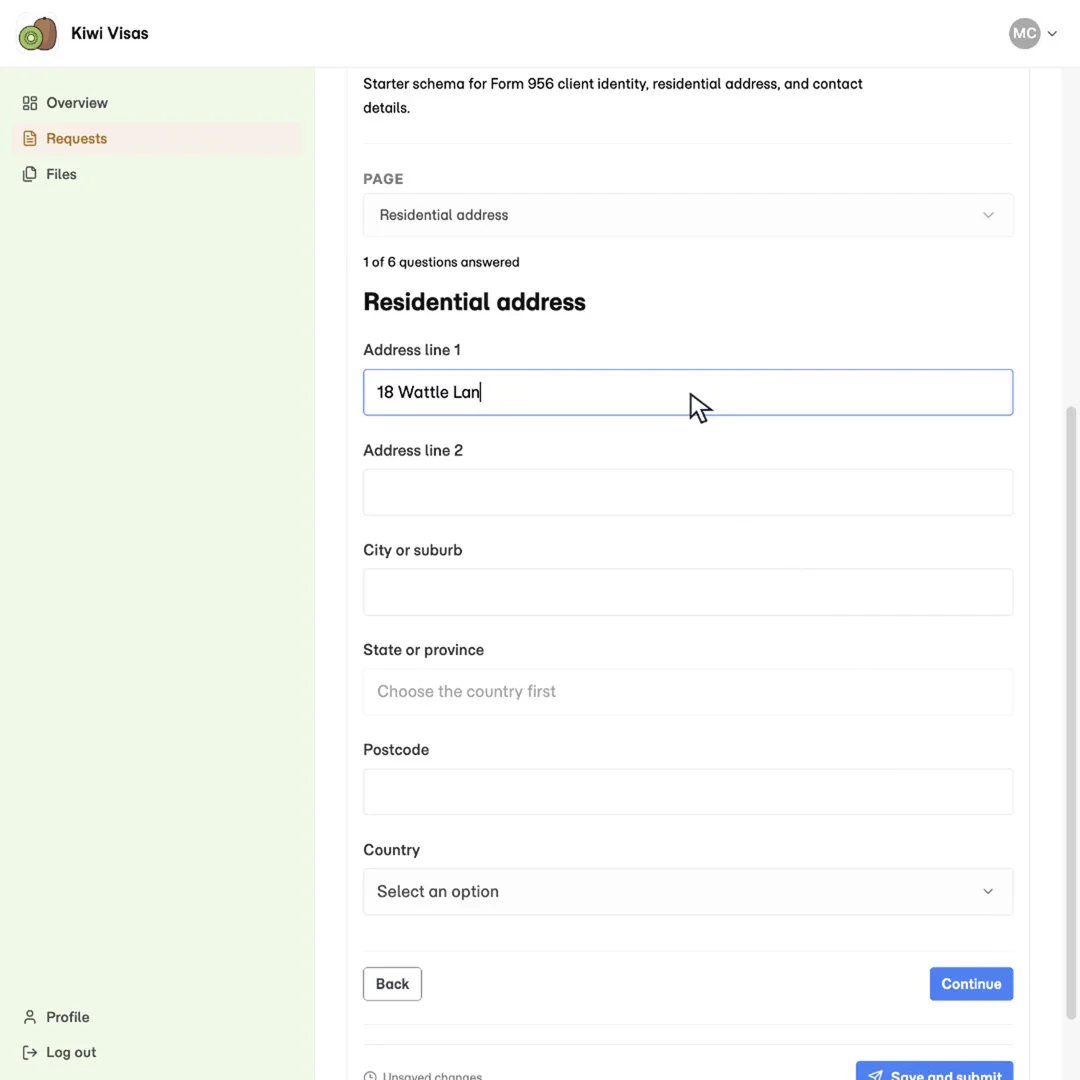
Questionnaires
Complete a client questionnaire and submit the answers for review. Shown at 2× speed.
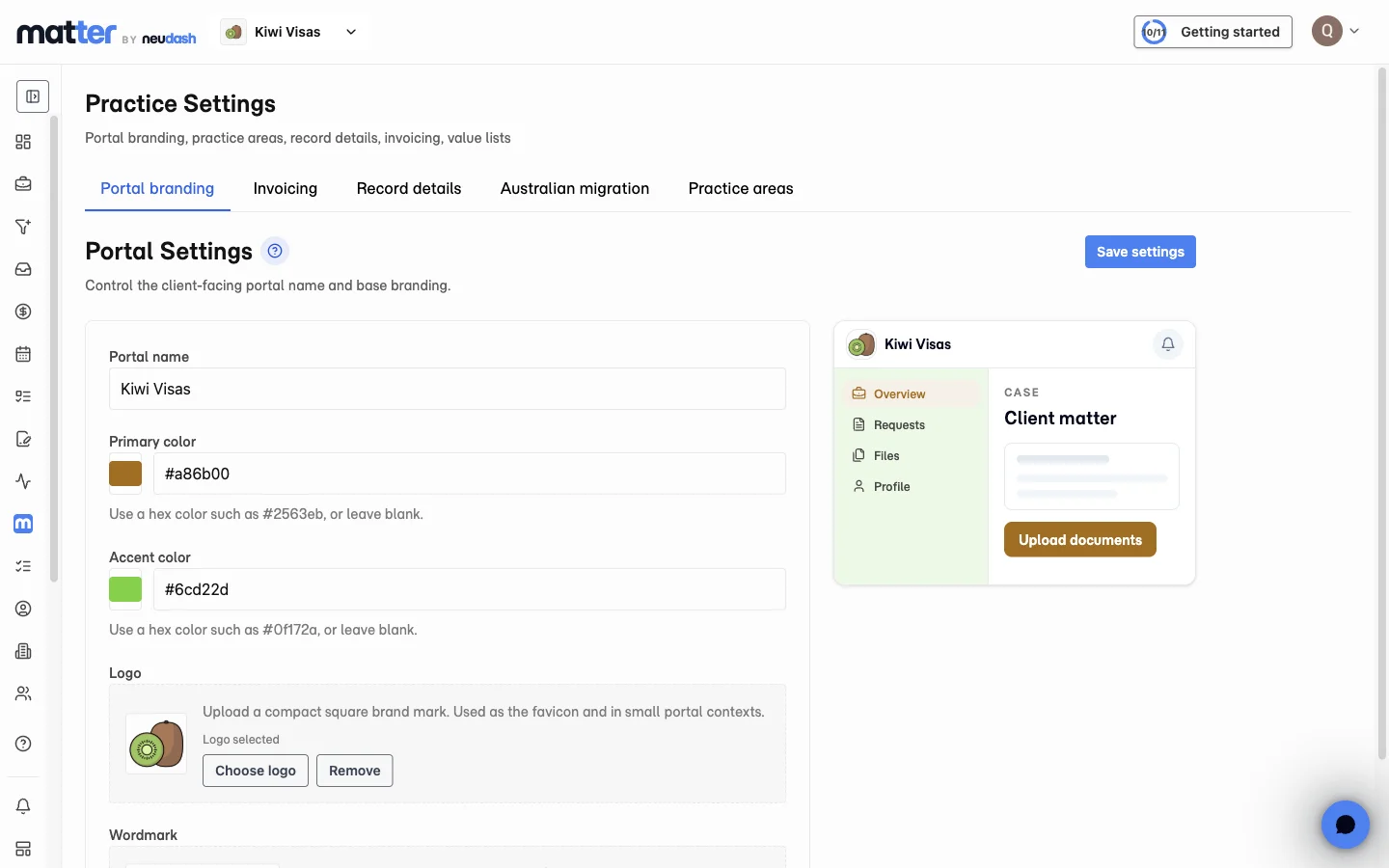
Practice settings
Explore portal branding and the client-facing stages of a migration case. Shown at 2× speed.
Explore every feature.
No matching features.
Cases & teamwork
Your clients, case records and the people doing the work.
Cases
Keep the people, documents, forms, tasks and correspondence for a case together. Follow its progress from initial preparation through to completion.
Leads & intake
Manage enquiries, consultations and lead pipelines, then bring the client into your case workflow.
Contacts & organisations
Keep client and organisation records connected to their cases. Review and reuse details across questionnaires, documents and form preparation.
Tasks
Break a case into the steps it takes, assign them across your team, set due dates, and escalate when something needs review, all attached to the case.
Calendar & milestones
Track case milestones, task dates and upcoming deadlines. Set reminders so the team knows what is due.
Watch the walkthroughNotes and history
File notes live on the matter, and every edit keeps its earlier version, so you can see what was recorded and exactly what changed, not just the latest rewrite.
Activity & audit history
See recorded case activity with who made the change and when. Keep the history available for team handovers and review.
Team access
Manage who can work in your practice and the permissions they have in Matter.
Client portal
Give clients a clear next step, on their phone or computer.
Client portal
Your clients get one secure place to upload documents, see where their case is up to, and read your updates, and it carries your firm's name, colours, and logo from the first invite onward.
Questionnaires
Start with a built-in questionnaire, reuse a template or build your own. Clients answer in their portal; your team reviews the responses and reuses accepted answers.
Watch the walkthroughDocument requests
Turn the documents you need from a client into one tracked request list, with upload status, due dates, and follow-up notes, sitting right on the matter.
Document review
Matter gives staff a review step for submitted client files, with per-file accept or reject decisions, notes, and a final outcome that either completes the request or returns it to the client for changes.
Watch the walkthroughAutomated reminders
Schedule reminder emails for outstanding document requests. Choose the timing and recipients, and stop future reminders when the group’s requests are resolved.
Watch the walkthrough
Forms & documents
Prepare applications, collect signatures and keep the evidence with the case.
ImmiAccount autofill
Prepare answers in Matter, then use the browser extension to create and fill supported ImmiAccount drafts. Generate Department PDFs from reviewed case data too.
Watch the walkthroughImmigration forms
Matter includes a migration forms library for Australian immigration forms such as Form 80, Form 956, Form 1229, and 482-related workflows.
Immi auto lodge
Lodge one or more applications from a case onto the portal with Matter’s Immi auto lodge workflow.
E-signatures
Prepare letters and service agreements with case details, send them for electronic signature and keep the signed document with the case.
Image resize & conversion
Resize and convert supported phone and camera images during document upload when the request accepts JPEG output.
Templates & practice setup
Your wording, your design and your way of working.
Letters
Start with a built-in template or import your own letters and service agreements. Matter recreates your branding and design, fills in client details, and lets you send agreements for e-signing.
Watch the walkthroughTemplate & design imports
Import an existing PDF or DOCX letter or service agreement. Matter recreates its branding and design as a reusable template.
Statements of service
Matter automatically generates and sends a statement of service to the client as part of completing a case.
Task templates
Build a set of tasks once for a case type, with default assignees, deadlines, and reminders, then apply it to any case in one step.
Practice settings
Set practice areas, case roles, workflow stages, portal branding and reusable templates for the way your firm works.
Watch the walkthrough
FinOps
Rates, invoices and client accounting alongside the work.
Integrations
Connect the email, calendars, accounting and storage your practice uses.
Gmail & Outlook email
Connect Gmail or Outlook, send branded client emails from the case and keep correspondence linked to the work.
Calendar sync
Publish selected Matter milestones and tasks to your Google or Outlook calendar, with the option to include existing items.
Document backup
Connect Google Drive or OneDrive for document backup in your practice’s own storage.
Client-file import
Connect existing Google Drive or OneDrive folders. Review suggested contacts, organisations and cases before importing active work or retaining links to historical files.
Put your next case
in matter
Try the client portal, document requests and form preparation with a case of your own.
No credit card required.